Nginx reverse proxy guides
Run Nginx in front of backend services with upstreams, proxy headers, WebSockets, backend ports, timeouts, and failure checks.
Curated guides
Nginx reverse proxy guides
6 matched guides, best match first.
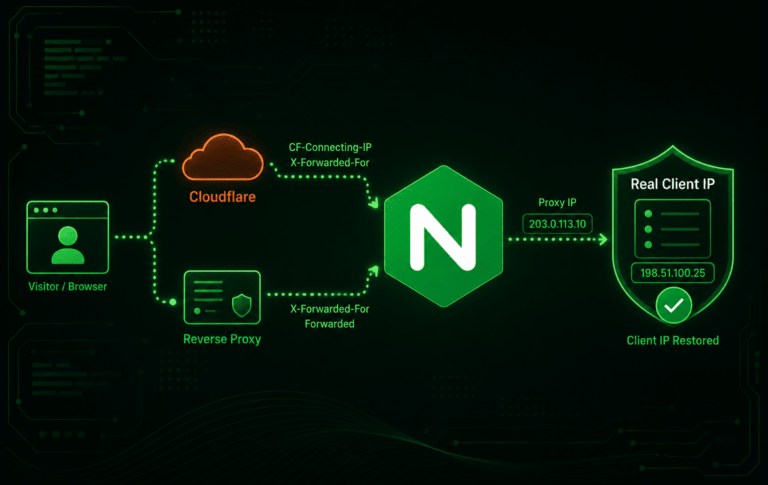
How to Restore Real Client IPs in Nginx Behind Cloudflare or a Reverse Proxy
Restoring real client IPs in Nginx becomes necessary when Cloudflare, a load balancer, a CDN, or an internal reverse proxy connects to the origin first. Without a trusted...

Configure Nginx Upstream Load Balancing
Nginx upstream load balancing lets one public virtual host send traffic to two or more backend servers. It is useful when an application runs on several ports, containers,...

How to Create an Nginx Reverse Proxy
A reverse proxy becomes useful as soon as a local app needs a public domain, TLS, and one clean entry point. An Nginx reverse proxy gives private Node.js,...
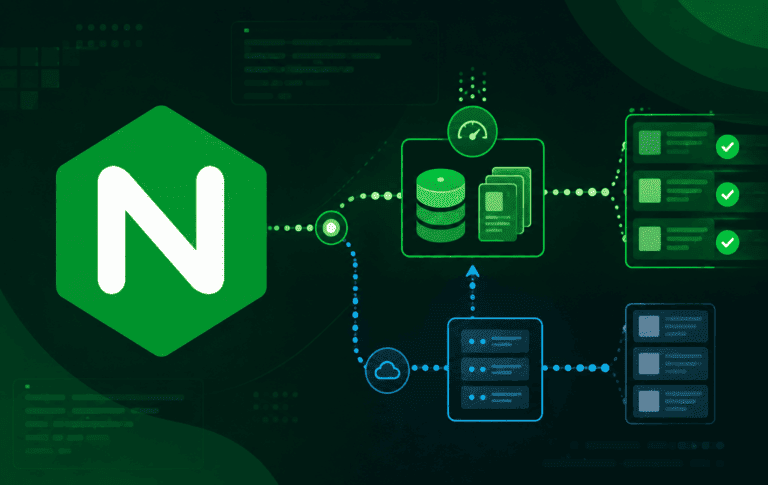
How to Configure Nginx Proxy Cache
Nginx proxy cache stores selected upstream responses on disk so repeated requests can be served from Nginx instead of hitting the backend every time. It is useful for...

How to Configure an Nginx WebSocket Proxy
Nginx WebSocket proxying breaks when a normal Nginx reverse proxy handles regular HTTP requests but does not pass the upgrade handshake to the backend. The page may load,...

Nginx proxy_pass Trailing Slash Explained
Nginx proxy_pass path handling is one of the easiest ways to create a reverse proxy that looks correct but sends the wrong URI to the backend. The small...