Nginx TLS guides

Use this path when the site needs to move from plain HTTP to a working HTTPS setup. It focuses on certificates, redirects, renewal checks, and Nginx SSL configuration that survives reloads.

Curated guides

Nginx TLS guides

13 matched guides, newest first. Page 1 of 2.

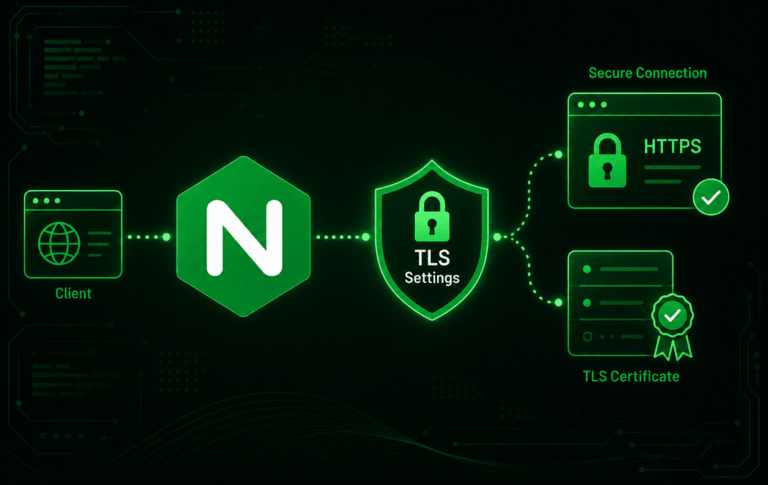
Nginx logo connected to TLS settings, HTTPS security, and certificate verification icons

How to Configure TLS Settings in Nginx

Default HTTPS snippets become hard to trust when Nginx inherits broad protocol lists from copied server blocks, Certbot includes, or hosting-panel templates. When you configure TLS settings in...

Published

Nginx reverse proxy architecture diagram showing client devices routing through nginx server to multiple backend application servers

How to Create an Nginx Reverse Proxy

A reverse proxy becomes useful as soon as a local app needs a public domain, TLS, and one clean entry point. An Nginx reverse proxy gives private Node.js,...

Updated ( Published )

Nginx logo with browser windows showing www redirect arrows between domains

Nginx Redirect WWW to Non-WWW or Non-WWW to WWW

An Nginx redirect from www to non-www is usually a server-block decision, not an application rewrite. A small server block can catch www.example.com, send a permanent 301 response,...

Updated ( Published )

Nginx logo with files transferring directly to a server representing sendfile zero-copy optimization

Enable the Nginx Sendfile Directive

Large static-file responses can make Nginx spend CPU time copying data it does not need to inspect. To enable sendfile in Nginx, set the sendfile directive so direct...

Updated ( Published )

Nginx logo with a document showing a port change from 80 to 8080 and network gear icons representing port configuration and routing.

How to Change NGINX Ports

Changing the Nginx port starts with the listen directive inside each server block, not with a global service setting. To change Nginx port 80 to 8080, update every...

Updated ( Published )

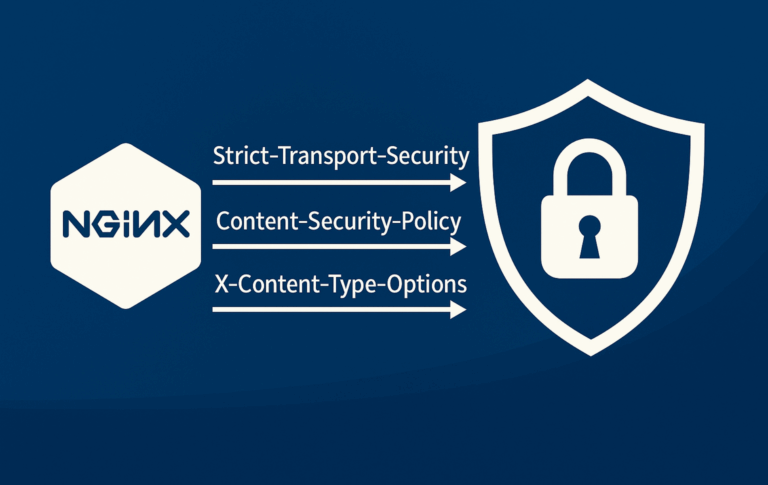
NGINX security headers diagram showing Strict-Transport-Security, Content-Security-Policy, and X-Content-Type-Options flowing from NGINX hexagon to security shield with padlock

How to Configure NGINX Security Headers

Security headers tell browsers how to handle HTTPS, framing, MIME sniffing, referrer data, resource loading, and browser APIs before application code runs. Configuring NGINX security headers is usually...
Updated ( Published )

NGINX logo alongside browser windows with redirect arrows showing URL redirection

How to Redirect URLs in Nginx

Redirects are the cleanup layer for old URLs, domain moves, HTTPS enforcement, and canonical host changes. In NGINX, most URL redirects should use return because it sends the...

Updated ( Published )

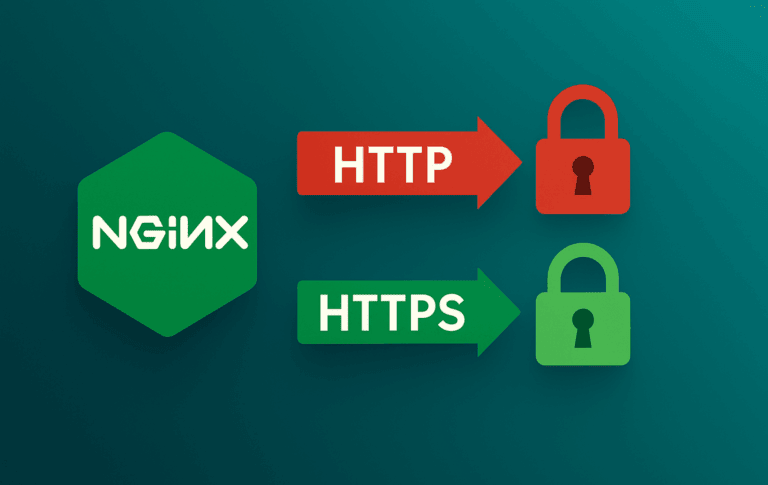
Nginx logo with HTTP and HTTPS security padlocks showing upgrade-insecure-requests directive workflow

Configure upgrade-insecure-requests in NGINX

Hard-coded HTTP asset URLs are one of the last problems that surface after an HTTPS migration. WordPress posts, legacy templates, CDN snippets, and database records can still point...
Updated ( Published )

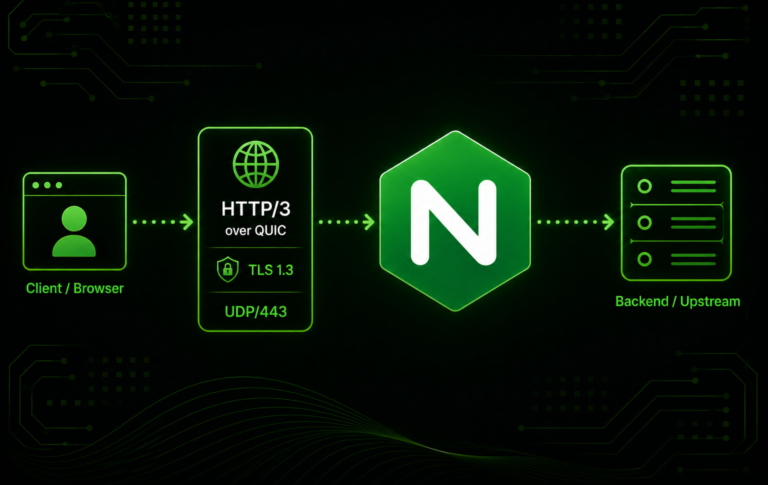
Nginx HTTP/3 over QUIC diagram showing a browser, UDP 443, TLS 1.3, and upstream server

How to Enable HTTP/3 and QUIC in Nginx

HTTP/3 in Nginx is a version and build check before it is a configuration change. To enable HTTP/3 and QUIC in Nginx, the running binary must support the...
Published

Nginx logo routing HTTP/2 connections to web, mobile, video, and content clients

How to Enable HTTP/2 in Nginx

HTTP/2 in Nginx has a version split that matters before editing a live HTTPS server block. Nginx 1.25.1 introduced the standalone http2 on; directive and deprecated the older...

Published