Nginx server block guides - Page 2
Configure Nginx server blocks for hostnames, document roots, redirects, routing rules, and deployment-safe site structure.
Curated guides
Nginx server block guides
37 matched guides, best match first. Page 2 of 4.

Configure Nginx Upstream Load Balancing
Nginx upstream load balancing lets one public virtual host send traffic to two or more backend servers. It is useful when an application runs on several ports, containers,...

How to Fix Nginx 403 Forbidden
An Nginx 403 Forbidden error means the request reached the server, but Nginx or an upstream layer refused to serve the requested resource. The most common causes are...

How to Fix Nginx 404 Not Found
An Nginx 404 Not Found error means the request reached a web server, but the active Nginx configuration or the upstream application could not match it to a...
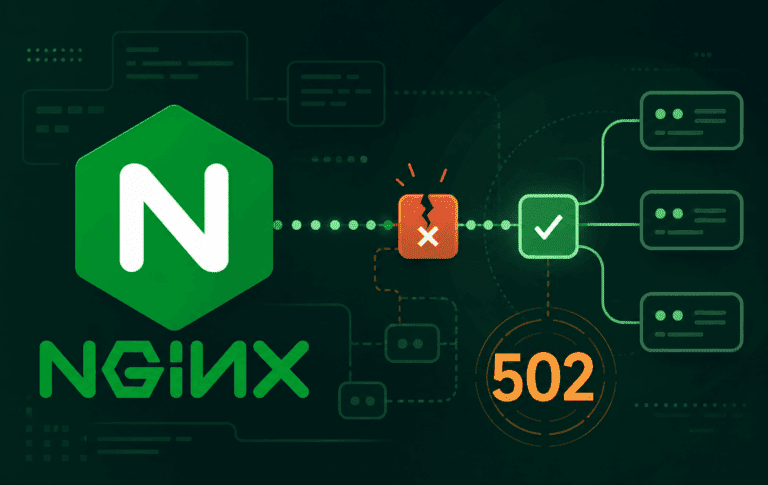
How to Fix Nginx 502 Bad Gateway
An Nginx 502 Bad Gateway error means Nginx accepted the client request but could not get a valid response from the upstream service. The upstream might be a...

Nginx Redirect WWW to Non-WWW or Non-WWW to WWW
An Nginx redirect from www to non-www is usually a server-block decision, not an application rewrite. A small server block can catch www.example.com, send a permanent 301 response,...
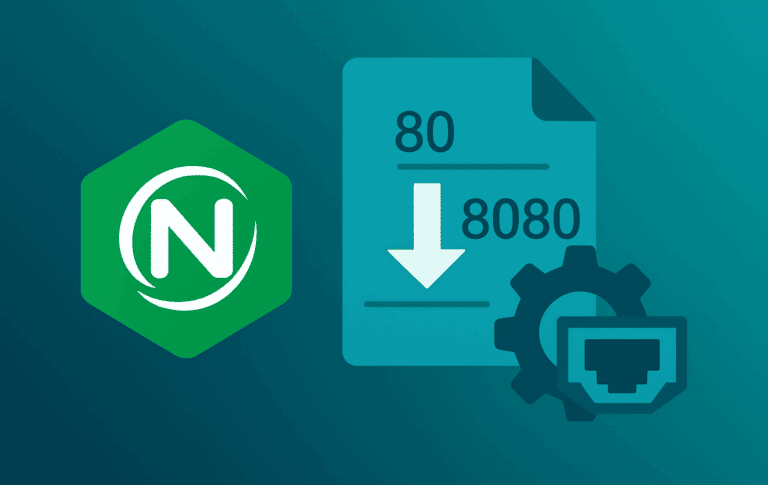
How to Change NGINX Ports
Changing the Nginx port starts with the listen directive inside each server block, not with a global service setting. To change Nginx port 80 to 8080, update every...

Enable Nginx open_file_cache for Static Files
Repeated static-file requests can waste time on the same filesystem checks: open the file, confirm it still exists, read its size, and check its modification time. Nginx open_file_cache...
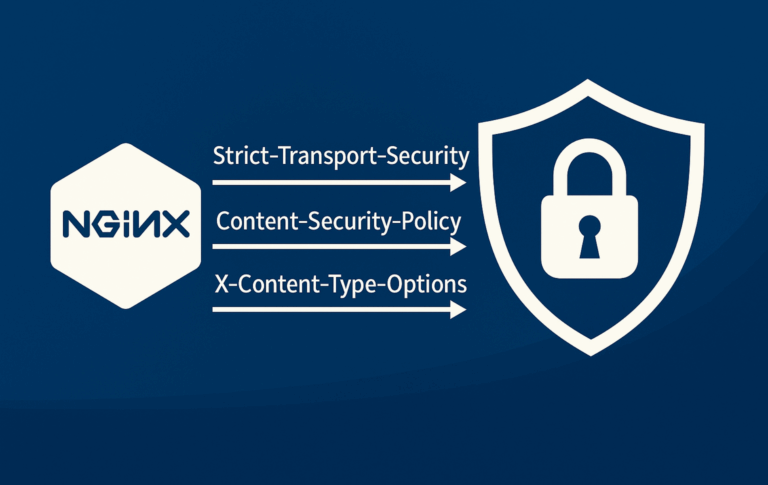
How to Configure NGINX Security Headers
Security headers tell browsers how to handle HTTPS, framing, MIME sniffing, referrer data, resource loading, and browser APIs before application code runs. Configuring NGINX security headers is usually...

How to Redirect URLs in Nginx
Redirects are the cleanup layer for old URLs, domain moves, HTTPS enforcement, and canonical host changes. In NGINX, most URL redirects should use return because it sends the...
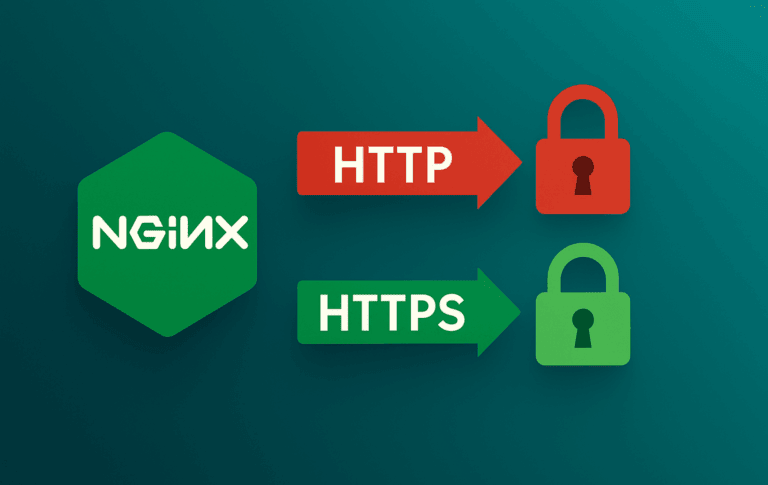
Configure upgrade-insecure-requests in NGINX
Hard-coded HTTP asset URLs are one of the last problems that surface after an HTTPS migration. WordPress posts, legacy templates, CDN snippets, and database records can still point...

Nginx If Else Logic: Safe If, Map, AND/OR Patterns
Nginx conditionals become tricky when a configuration needs an else branch. The rewrite module provides if, but it does not provide else, else if, and, or or operators....
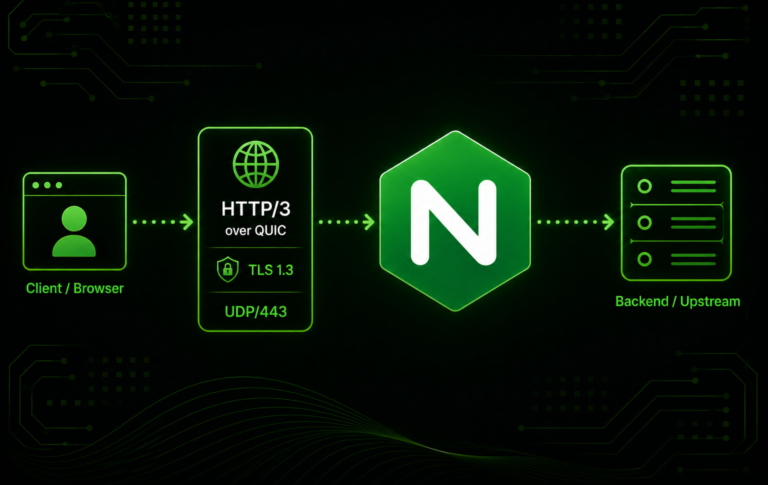
How to Enable HTTP/3 and QUIC in Nginx
HTTP/3 in Nginx is a version and build check before it is a configuration change. To enable HTTP/3 and QUIC in Nginx, the running binary must support the...