Server configuration guides - Page 3
Build and repair Linux server stacks with guides for Nginx, PHP-FPM, MariaDB, TLS, reverse proxies, and production web services.
Curated guides
Server setup guides
110 matched guides, best match first. Page 3 of 10.

Enable Gzip Compression in Nginx
Gzip compression in Nginx reduces text-based HTTP responses before they travel from your server to the browser. HTML, CSS, JavaScript, JSON, XML, and SVG usually shrink enough to...
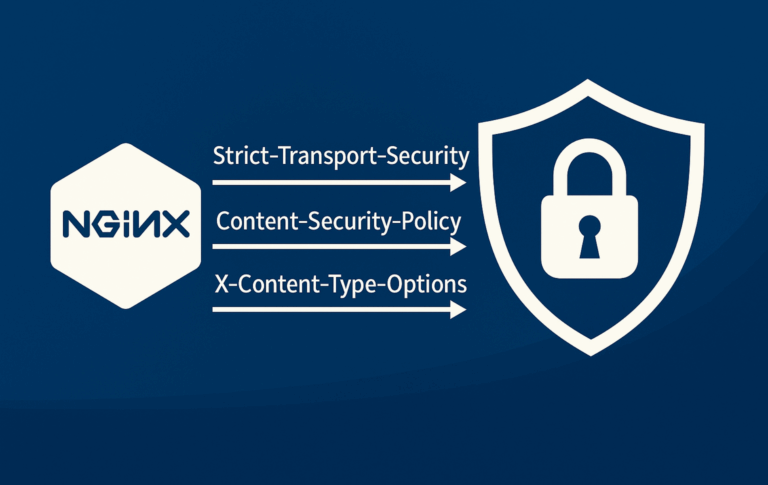
How to Configure NGINX Security Headers
Security headers tell browsers how to handle HTTPS, framing, MIME sniffing, referrer data, resource loading, and browser APIs before application code runs. Configuring NGINX security headers is usually...

How to Redirect URLs in Nginx
Redirects are the cleanup layer for old URLs, domain moves, HTTPS enforcement, and canonical host changes. In NGINX, most URL redirects should use return because it sends the...
Configure upgrade-insecure-requests in NGINX
Hard-coded HTTP asset URLs are one of the last problems that surface after an HTTPS migration. WordPress posts, legacy templates, CDN snippets, and database records can still point...

Nginx If Else Logic: Safe If, Map, AND/OR Patterns
Nginx conditionals become tricky when a configuration needs an else branch. The rewrite module provides if, but it does not provide else, else if, and, or or operators....

Configure Nginx Rate Limiting with limit_req
A login form, search endpoint, or API route can overload a backend long before the rest of the site looks busy. Nginx rate limiting caps request frequency at...

How to Install Apache on Debian 13, 12 and 11
A Debian web server starts quickly with Apache because the default repositories already include the Apache HTTP Server as the apache2 package. Debian does not use the Red...
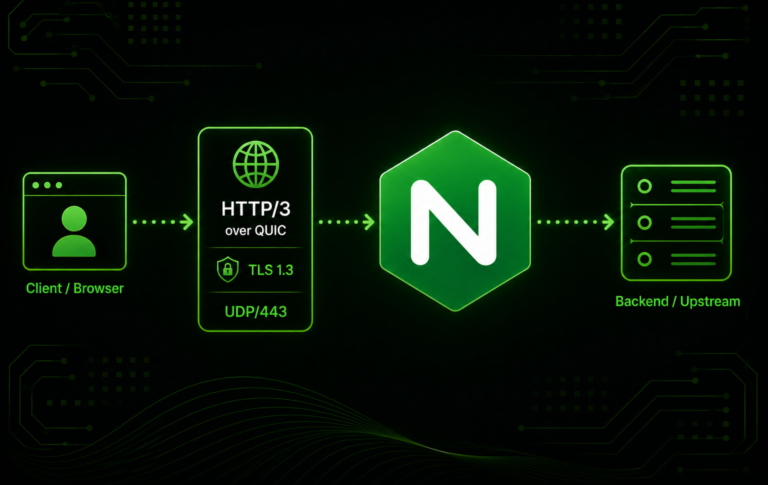
How to Enable HTTP/3 and QUIC in Nginx
HTTP/3 in Nginx is a version and build check before it is a configuration change. To enable HTTP/3 and QUIC in Nginx, the running binary must support the...
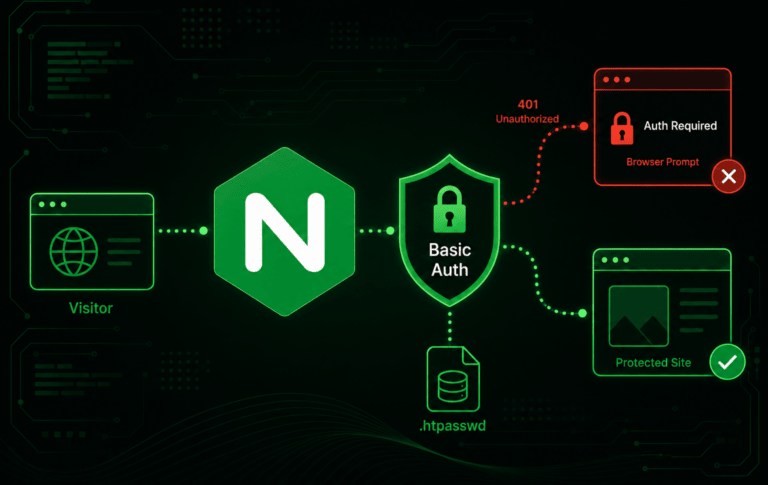
Password Protect Nginx with Basic Authentication
Basic Authentication is useful when a staging site, preview build, private download area, or low-traffic admin path needs a quick gate before a full application login exists. To...
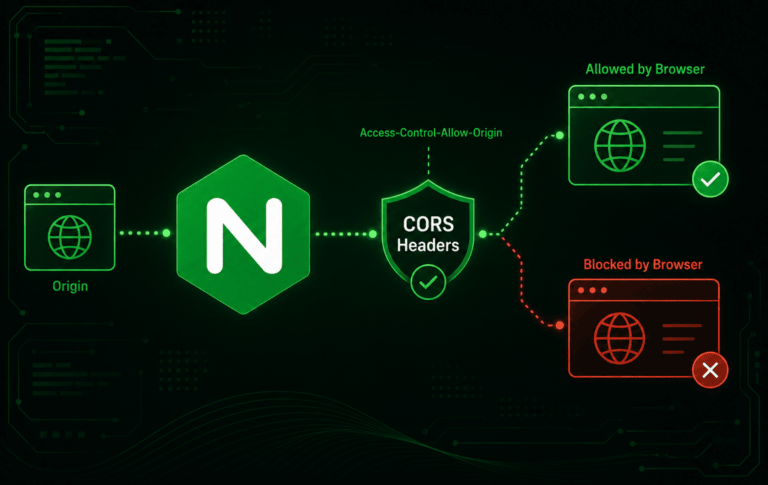
How to Configure CORS in Nginx
CORS becomes a server problem as soon as a browser app at one origin needs to read an API, font, image, or JSON response from another origin. To...

How to Install Memcached on Debian 13, 12 and 11
Memcached on Debian gives web applications a fast in-memory cache for database query results, sessions, API responses, and WordPress object caching. The safest way to install Memcached on...
How to Secure Apache with Let’s Encrypt on Debian 13, 12 and 11
Let's Encrypt certificates remove browser "Not secure" warnings and let Apache serve your Debian site over HTTPS. The standard Debian package path uses certbot plus the Apache plugin...