Linux text processing command guides - Page 2
Read, filter, edit, and reshape shell text with practical examples for pipelines, fields, matches, replacements, redirects, and output handling.
Curated guides
Text command guides
24 matched guides, best match first. Page 2 of 2.
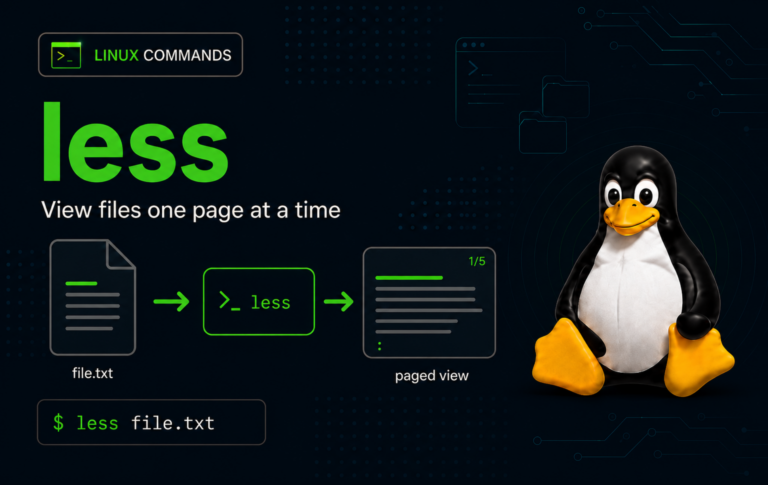
less Command in Linux with Examples
Large log files and noisy command output are easier to inspect when the terminal becomes a pager instead of a flood. The less command in Linux opens files,...

echo Command in Linux With Examples
Short status messages, prompts, and quick pipeline input usually start with the echo command in Linux because it is available in every normal shell session. The catch is...
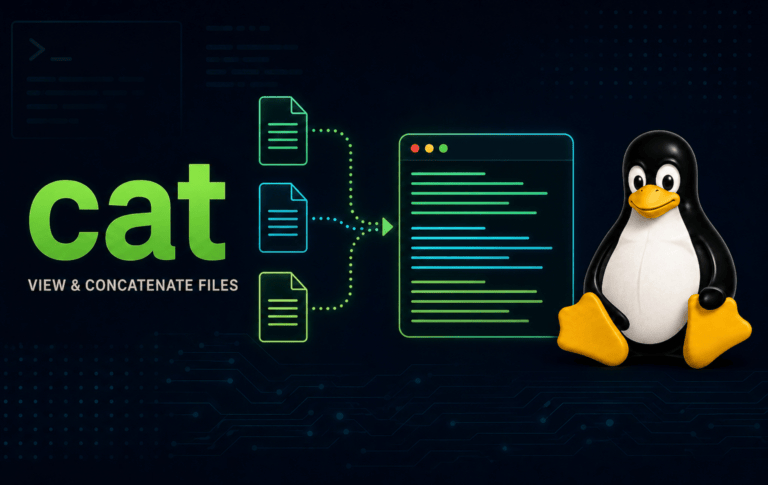
cat Command in Linux With Examples
Small text files are fastest to inspect when you can read them without opening an editor, but cat is more than a quick viewer. The cat command in...

awk Command in Linux With Examples
Delimited text becomes easier to work with when each column, line range, or repeated value can be tested directly. The awk command in Linux reads input record by...
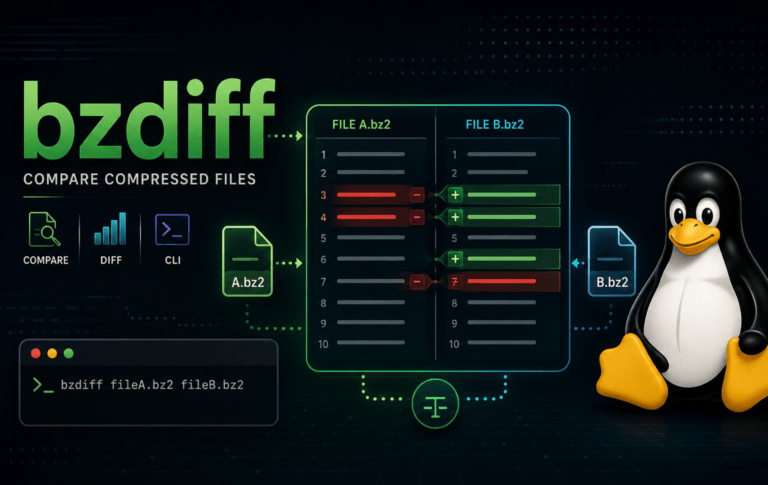
bzdiff Command in Linux with Examples
Comparing old log snapshots or configuration exports gets awkward when the files are still compressed with bzip2. The bzdiff command in Linux compares the decompressed content of .bz2...
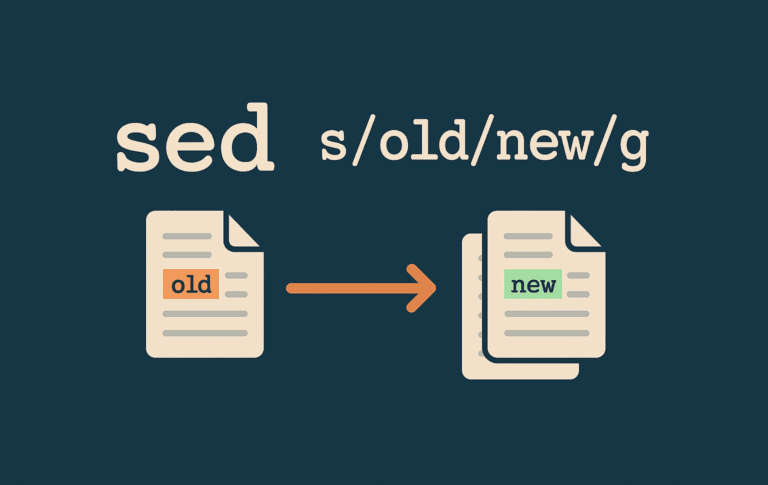
sed Command in Linux with Examples
The sed command in Linux turns repetitive text edits into repeatable terminal commands. It reads files or pipeline input line by line, applies the editing rules you provide,...
printf Command in Linux with Examples
Shell output gets messy once a script needs aligned columns, padded counters, literal percent signs, or data with embedded escape sequences. The printf command in Linux gives you...
read Command in Linux with Examples
Interactive shell scripts need a clean way to pause, collect an answer, and reuse that value in the next command. The read command in Linux handles that job...

tail Command in Linux with Examples
Large logs are awkward to open in an editor when the only lines you care about are the newest ones. The tail command in Linux solves that problem...

split Command in Linux with Examples
Large logs, database exports, and backup archives get easier to move or process when you can cut them into predictable pieces without changing the original data. The split...

sed Command in Linux: Find and Replace Strings in Files
The Linux sed command handles repetitive text edits that are too small for a full script and too risky to do by hand. A single substitution can find...

grep Command in Linux with Examples
Logs, configuration files, and command output get noisy fast; the grep command in Linux cuts them down to the lines that match a word, phrase, or regular expression....