Linux file command guides
Find files, inspect metadata, copy safely, archive or compress data, sync directories, and avoid destructive command mistakes.
Curated guides
File command guides
37 matched guides, best match first. Page 1 of 4.

gunzip Command in Linux With Examples
Restoring a gzip-compressed log, dump, or downloaded file is easy to rush because gunzip removes the .gz input after a successful decompression. The gunzip command in Linux is...
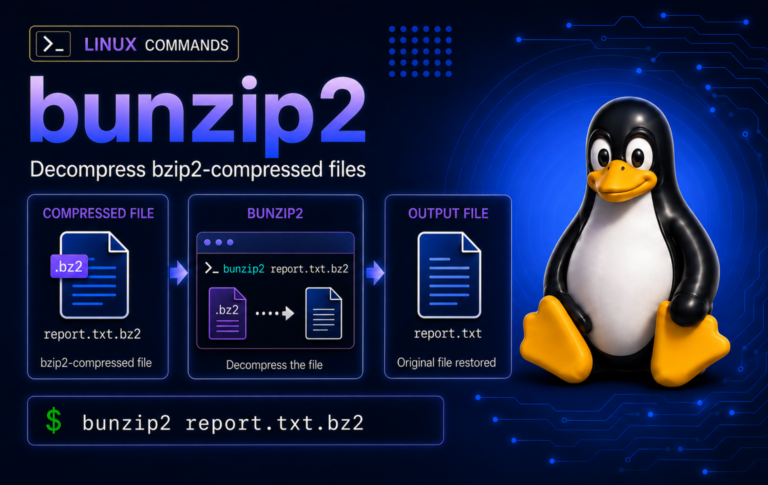
bunzip2 Command in Linux: Decompress .bz2 Files
Restore bzip2-compressed files without losing the source copy by choosing the right bunzip2 pattern for .bz2 streams, tar.bz2 archives, stdin pipelines, batch restores, and common errors.
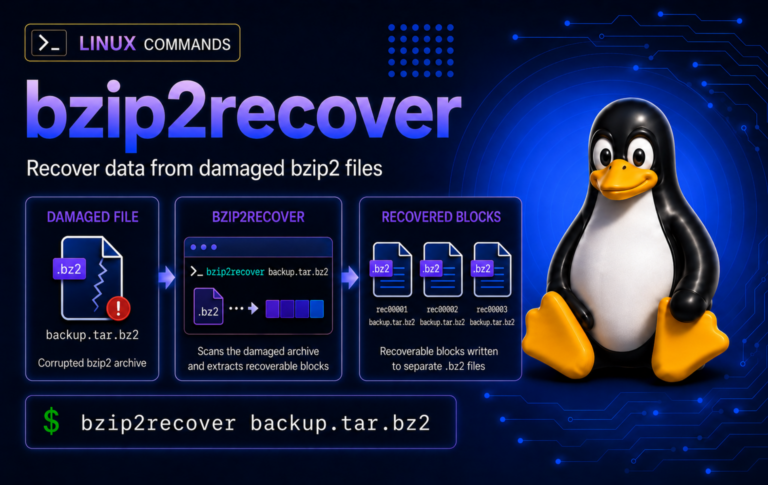
bzip2recover Command in Linux: Recover Damaged BZ2 Files
When a .bz2 file will not decompress, this workflow keeps the damaged source intact, splits recoverable blocks, tests each piece, and rebuilds usable text or tar data without...
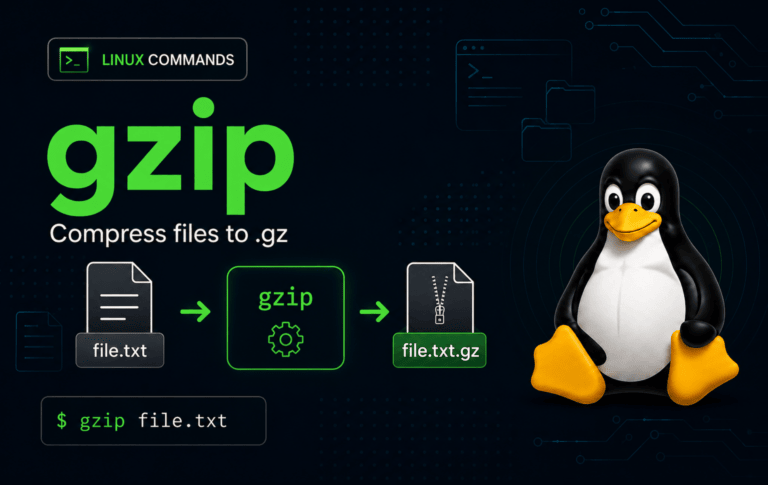
gzip Command in Linux with Examples
Compressed logs, transfer bundles, and database dumps are easier to move when the compression step does not destroy the only readable copy. The gzip command in Linux works...

bzmore Command in Linux: View .bz2 Files One Screen at a Time
Page through bzip2-compressed logs and text exports with bzmore, then switch to bzgrep, bzcat, bzip2 -t, or tar when searching, scripting, validating, or inspecting archives.
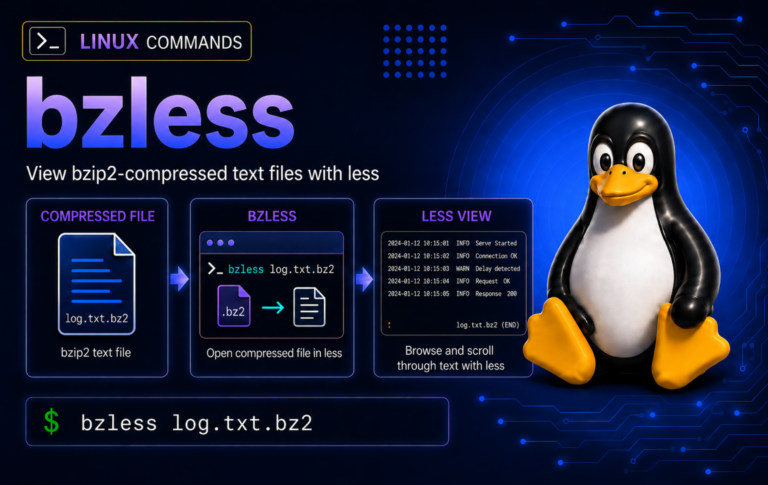
bzless Command in Linux: View .bz2 Files Without Extracting
Compressed log reviews are safer when bzless stays in the pager lane: open .bz2 text, search inside the file, use bzcat for clean pipelines, and test suspect streams...
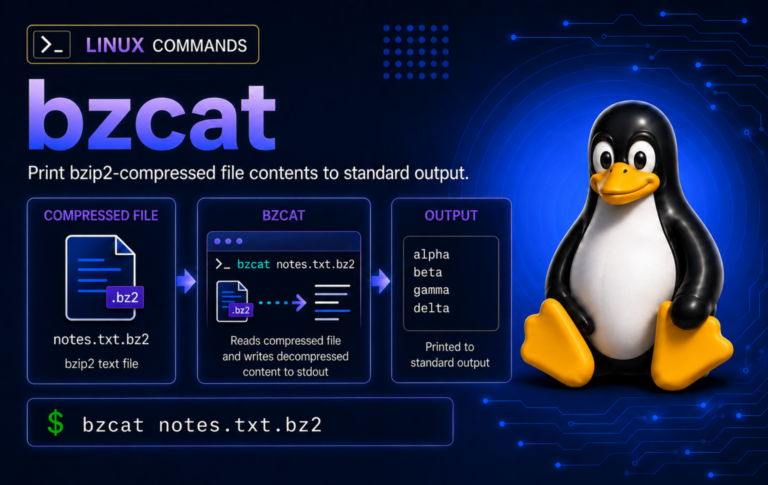
bzcat Command in Linux: Read .bz2 Files Without Extracting
Inspect compressed logs, SQL dumps, and text exports with bzcat without unpacking them first. The examples cover safe streams, redirection, grep/tail pipelines, integrity checks, and common bzip2 errors.
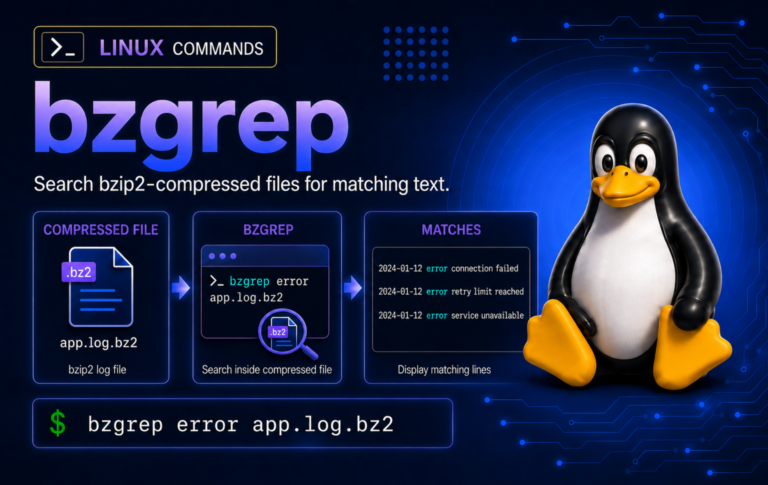
bzgrep Command in Linux: Search .bz2 Files
Search compressed logs without unpacking them, learn when bzgrep should hand off to find or tar, and handle wrapper quirks such as missing aliases, -H labels, recursive searches,...
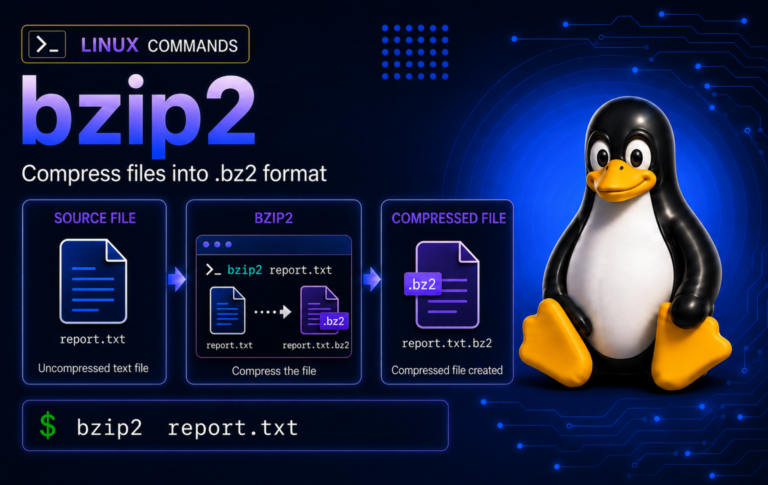
bzip2 Command in Linux: Compress, Decompress, and Test .bz2 Files
Practice bzip2 on disposable files before touching real backups, including keep-original compression, stdout pipelines, tar.bz2 archives, integrity tests, wrong-format checks, and recovery limits.
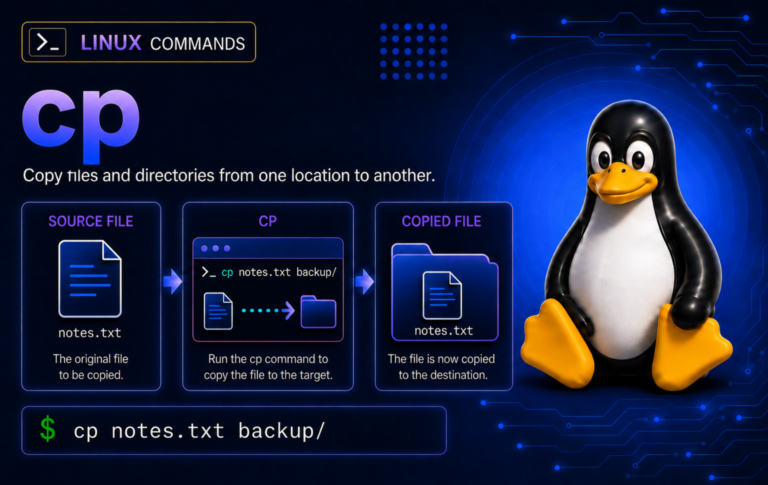
cp Command in Linux: Copy Files and Directories Safely
Copy files more safely with Linux cp examples that cover destinations, recursive directories, hidden files, overwrite controls, archive mode, symlinks, sparse files, and troubleshooting.
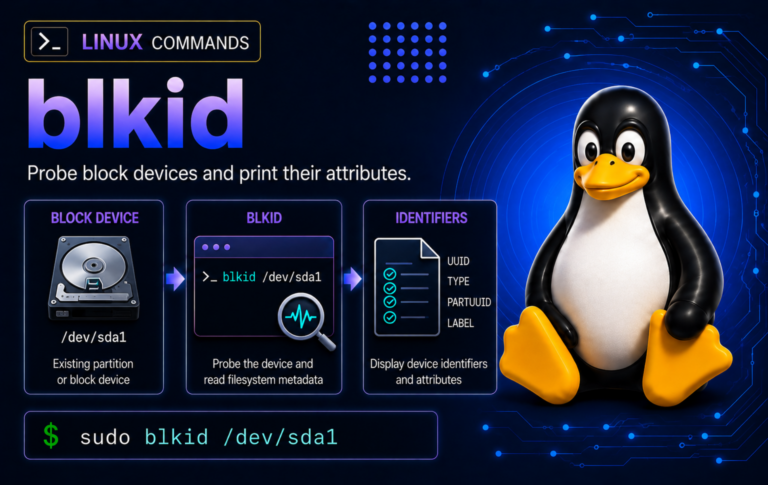
blkid Command in Linux: Find UUIDs, Labels, and Filesystem Types
When device names shift after reboot or hotplug, blkid helps confirm stable UUIDs, labels, types, and partition tags before fstab edits, mounts, recovery work, or disk cleanup.
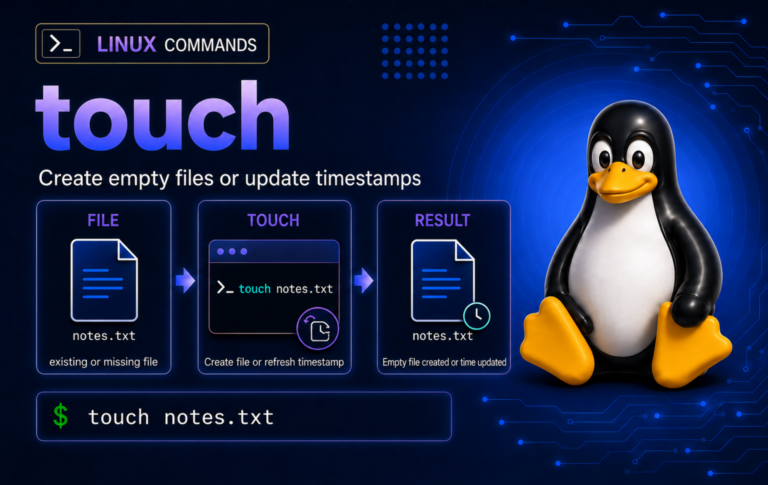
touch Command in Linux: Create Files and Set Timestamps
Timestamp-sensitive scripts behave better when you know how touch creates placeholder files, refreshes existing paths safely, sets repeatable dates, and avoids common permission or missing-directory mistakes.