Linux command examples
Find practical command examples with flags, expected output, common mistakes, and safer ways to run everyday shell workflows.
Curated guides
Linux command guides
80 matched guides, best match first. Page 1 of 7.
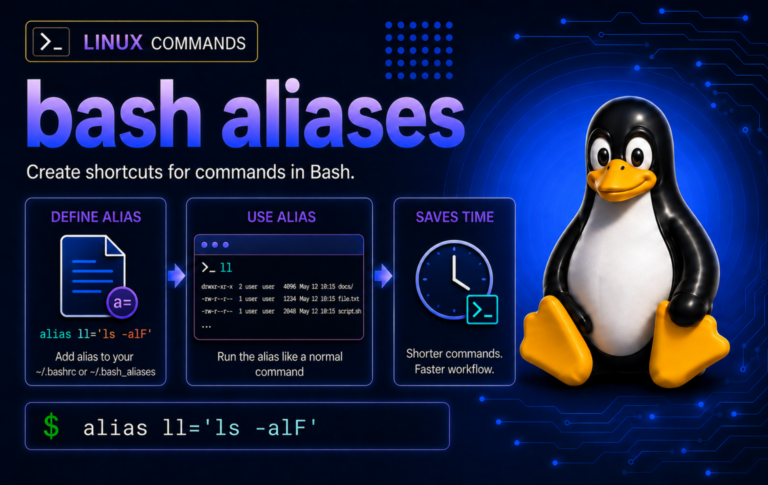
Bash Aliases in Linux: Create, Save, and Troubleshoot
Repeated terminal commands become easier to manage when Bash aliases stay small, visible, and stored in the right startup file, with functions reserved for arguments and checks for...
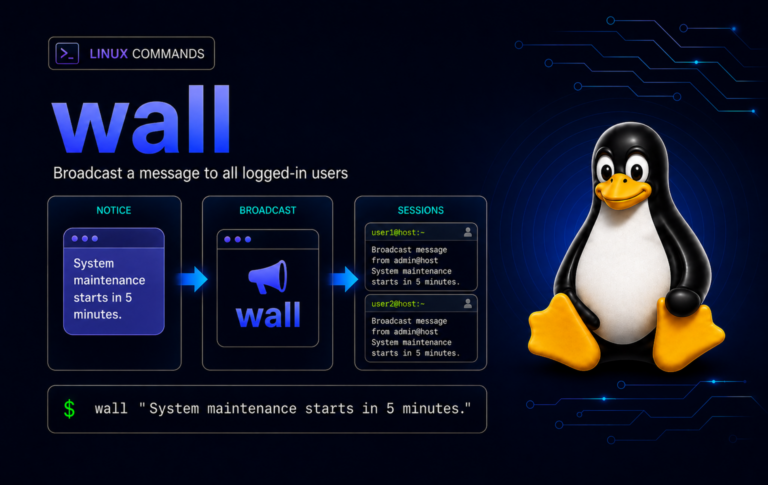
wall Command in Linux: Broadcast Terminal Messages
Use the wall command to warn logged-in terminal users before maintenance, send group-specific notices, understand message permissions, and troubleshoot missing broadcasts without confusing wall with chat or desktop...
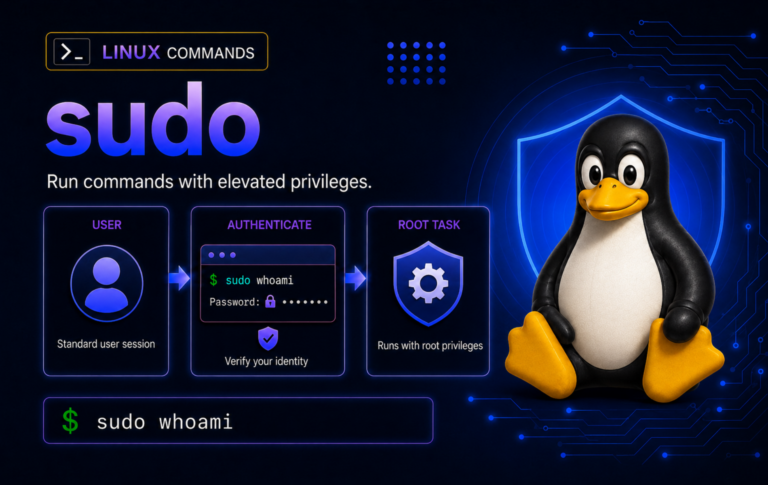
sudo Command in Linux: Examples and Common Fixes
Handle sudo without turning every command into a root shell: verify access, run commands as another user, use sudoedit and sudo tee, protect scripts from password prompts, and...
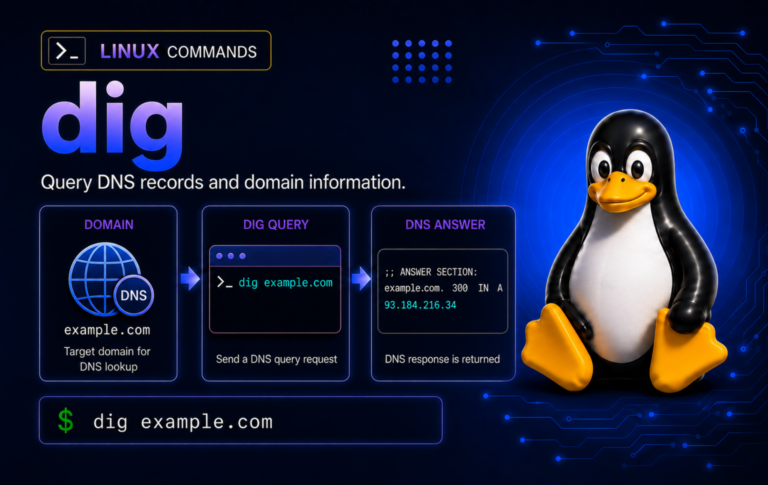
dig Command in Linux: DNS Lookup Examples
When DNS behavior does not match expectations, dig shows the resolver response, record type, TTL, and status so you can compare caches, authoritative servers, DNSSEC, TCP fallback, and...
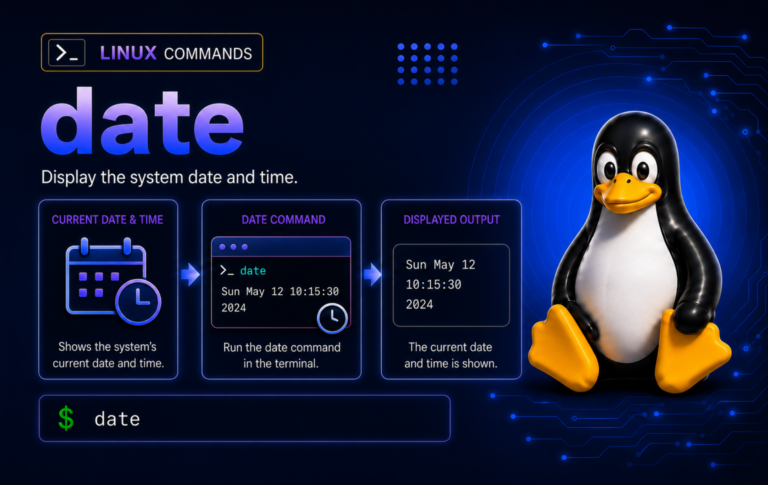
date Command in Linux: Format, Parse, and Convert Timestamps
Build reliable Linux timestamps for logs, filenames, scripts, and timezone conversions with date examples that show UTC output, epoch math, file times, parser debugging, and cleanup.
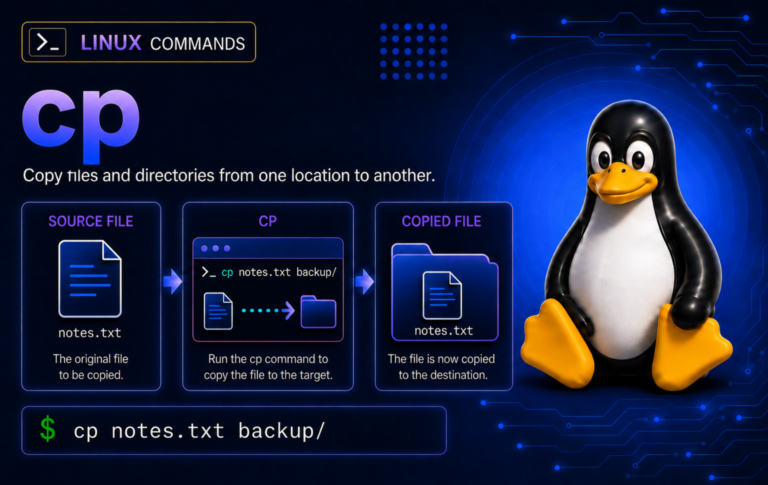
cp Command in Linux: Copy Files and Directories Safely
Copy files more safely with Linux cp examples that cover destinations, recursive directories, hidden files, overwrite controls, archive mode, symlinks, sparse files, and troubleshooting.
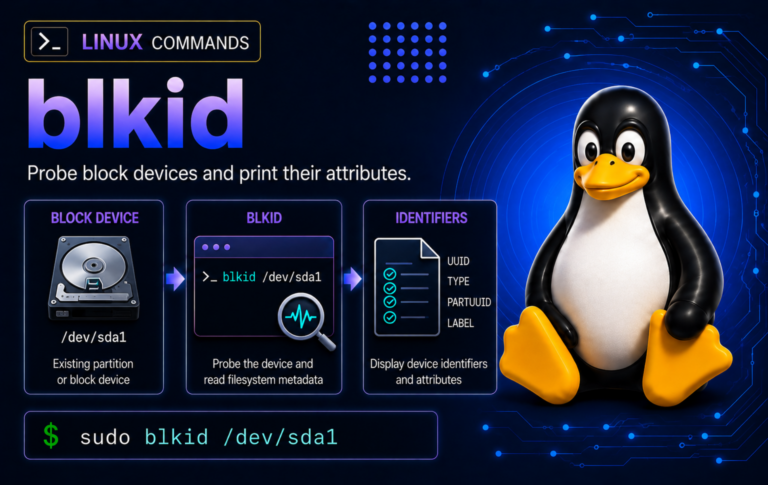
blkid Command in Linux: Find UUIDs, Labels, and Filesystem Types
When device names shift after reboot or hotplug, blkid helps confirm stable UUIDs, labels, types, and partition tags before fstab edits, mounts, recovery work, or disk cleanup.
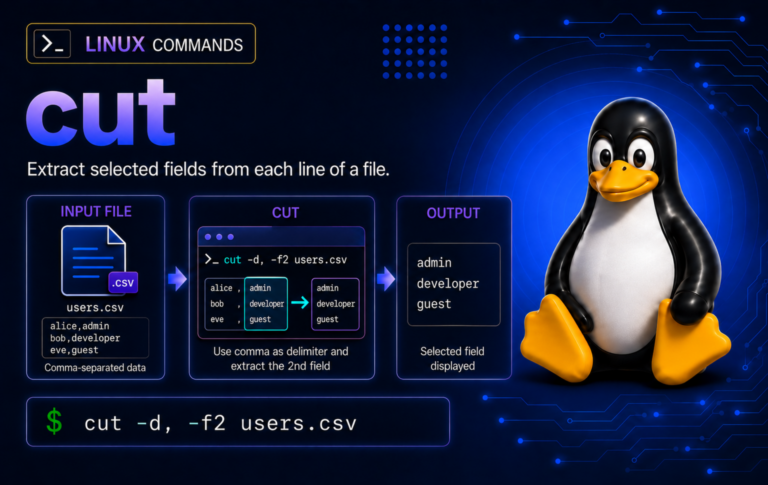
cut Command in Linux: Extract Fields, Characters, and Bytes
Practice the cut command with tab, comma, colon, character, byte, and NUL-separated examples, then troubleshoot delimiters, empty fields, field order, CSV limits, and byte-vs-character behavior.

bzmore Command in Linux: View .bz2 Files One Screen at a Time
Page through bzip2-compressed logs and text exports with bzmore, then switch to bzgrep, bzcat, bzip2 -t, or tar when searching, scripting, validating, or inspecting archives.

bzgrep Command in Linux: Search .bz2 Files
Search compressed logs without unpacking them, learn when bzgrep should hand off to find or tar, and handle wrapper quirks such as missing aliases, -H labels, recursive searches,...
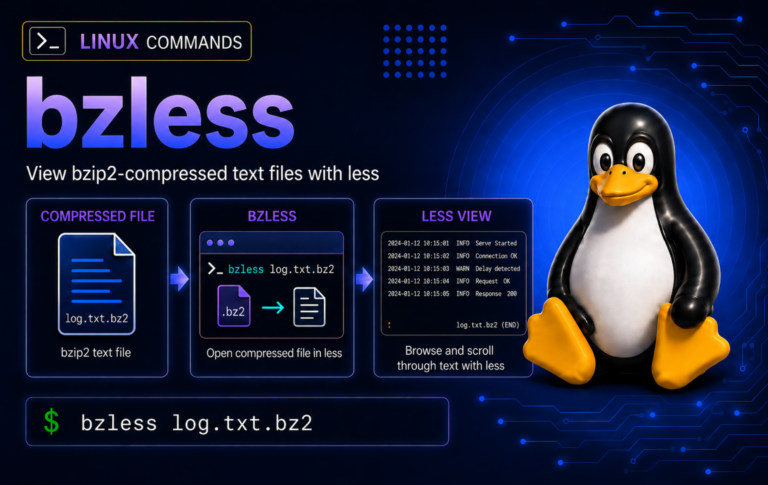
bzless Command in Linux: View .bz2 Files Without Extracting
Compressed log reviews are safer when bzless stays in the pager lane: open .bz2 text, search inside the file, use bzcat for clean pipelines, and test suspect streams...
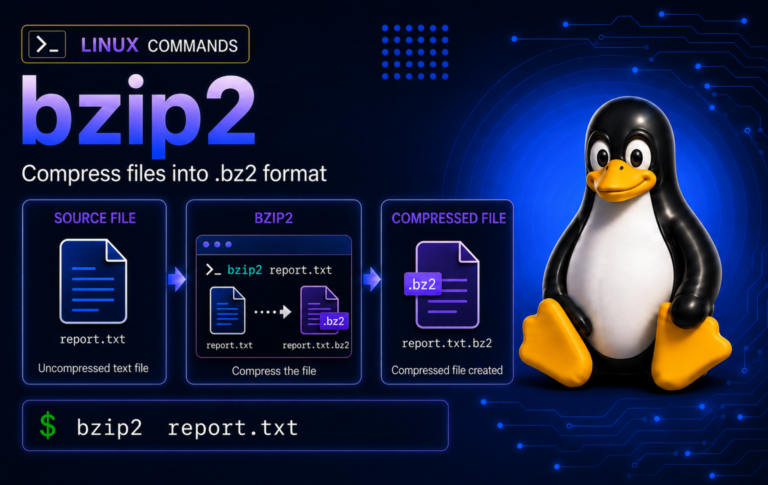
bzip2 Command in Linux: Compress, Decompress, and Test .bz2 Files
Practice bzip2 on disposable files before touching real backups, including keep-original compression, stdout pipelines, tar.bz2 archives, integrity tests, wrong-format checks, and recovery limits.