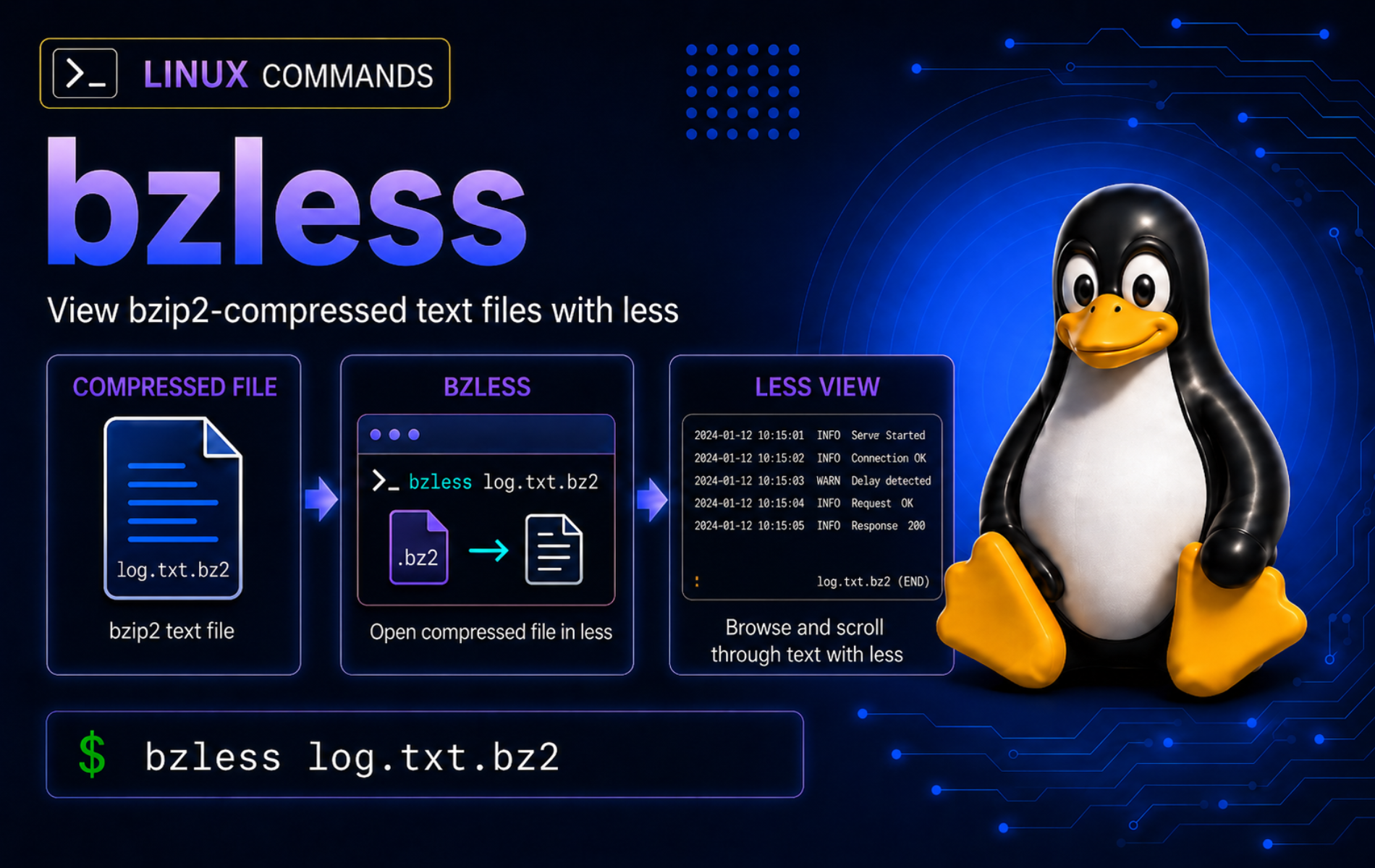
Compressed logs, old command output, and exported text files are often stored as .bz2 files to save space. The bzless command in Linux opens bzip2-compressed text in a pager, so you can search and scroll through the decompressed content without creating a separate uncompressed copy.
Use bzless when the file is text-like and you need an interactive review. Use bzcat when a script needs clean decompressed output, bzip2 -t when you need an integrity check, bzdiff when you need to compare compressed files, and tar when the file is a .tar.bz2 archive.
Use the bzless Command for Compressed Text
bzless belongs to the same utility family as the bzip2 command. On many Linux distributions, it is a wrapper that decompresses each file with bzip2 tools and sends the text to less. That wrapper boundary matters: open explicit filenames, use pager keys after the file opens, and avoid assuming every normal less startup option can be placed directly after bzless.
bzless FILE...FILE: One or more text-like files, normally bzip2-compressed paths such asapp.log.bz2.- Pager behavior: After the file opens,
bzlessuses familiarlesscontrols such as Space, b, /, n, G, and q. - Script boundary: Do not parse
bzlessoutput in automation because packaged wrappers can print file headers. Usebzcatorbzip2 -dcfor pipelines.
For an existing bzip2-compressed text file, start with an explicit filename:
bzless app.log.bz2Replace app.log.bz2 with the file you need to inspect. The disposable practice setup creates that sample file without touching real logs.
bzless Quick Reference
| Task | Command or Key | What It Does |
|---|---|---|
| Open compressed text | bzless app.log.bz2 | Pages through the decompressed text without replacing the file. |
| Move forward | Space or f | Shows the next screen of text. |
| Move backward | b | Moves back one screen when the pager supports backward movement. |
| Search forward | /ERROR | Finds the next line matching ERROR after the file is open. |
| Repeat search | n or N | Repeats the previous search forward or backward. |
| Jump to start or end | g or G | Moves to the first or last line. |
| Quit the pager | q | Returns to the shell prompt or advances out of the current wrapper view. |
| Check integrity | bzip2 -t app.log.bz2 | Tests whether the file is valid bzip2 data. |
| Filter output | bzcat app.log.bz2 | grep 'ERROR' | Uses clean decompressed output for scripts and pipelines. |
| Use less startup options | bzcat app.log.bz2 | less -N | Pipes decompressed text into less when you need normal less startup flags. |
Use explicit filenames such as
app.log.bz2. Packaged wrappers do not always add a missing.bz2suffix for you, some option-looking strings can be treated as filenames, and wrapper-level errors can still return status0.
The official bzip2 manual documents the compressor and decompressor behavior, while the Ubuntu bzmore man page documents the related bzmore and bzless pager wrappers.
Install or Verify bzless on Linux
Check whether your shell can find bzless before you build a workflow around it:
command -v bzlessA common installed path is:
/usr/bin/bzless
On Debian-family systems, the bzip2 package provides the bzip2 helper commands, and less provides the pager that bzless expects:
sudo apt update
sudo apt install bzip2 less
On Fedora, Rocky Linux, and other DNF-based systems, install the same package pair:
sudo dnf install bzip2 lessOn openSUSE systems, use zypper:
sudo zypper install bzip2 lessOn Arch Linux and Manjaro, install or confirm the bzip2 tools and less, then verify bzless separately. Some Arch-family package layouts, including Manjaro, provide bzmore, bzcat, and bzip2 without shipping a bzless command, so keep the fallback check in place.
sudo pacman -S --needed bzip2 lessThen check whether this package layout includes the bzless wrapper:
command -v bzless || printf 'bzless is not packaged here; use bzmore or bzcat file.bz2 | less\n'If bzless remains unavailable, this fallback gives the same practical viewing workflow with the normal less command:
bzcat app.log.bz2 | lessUse the less command guide when you need deeper pager controls such as line numbers, follow mode, search movement, horizontal scrolling, or color handling.
Create Practice Files for bzless Examples
A disposable directory keeps the examples away from real logs. Keep the same terminal session open because the $demo variable stores the cleanup path.
demo=$(mktemp -d "$HOME/bzless-demo.XXXXXX")
cd "$demo"

cat <<'EOF' > access.log
2026-06-15T08:00:00Z INFO service started
2026-06-15T08:03:41Z WARN cache warmup slow
2026-06-15T08:04:02Z ERROR upstream timeout
2026-06-15T08:04:10Z INFO retry succeeded
EOF

cat <<'EOF' > rotated.log
2026-06-14T23:56:10Z INFO rotate started
2026-06-14T23:57:02Z INFO rotate completed
EOF

bzip2 -k access.log rotated.log
printf 'not a bzip2 stream\n' > bad.bz2
tar -cf bundle.tar access.log
bzip2 -k bundle.tar
ls -1
The directory now contains plain text, bzip2-compressed text, a deliberately invalid .bz2 file for troubleshooting, and one compressed tar archive for the archive-boundary example:
access.log
access.log.bz2
bad.bz2
bundle.tar
bundle.tar.bz2
rotated.log
rotated.log.bz2
View bzip2 Files with bzless
Open a Compressed Log
Open the compressed log directly. bzless decompresses the stream for viewing but leaves both access.log and access.log.bz2 in place.
bzless access.log.bz2Inside the pager, press Space to move forward, b to move backward, G to jump to the end, and q to quit. These keys are useful for older compressed logs where opening an editor would be slower and riskier.
Search Inside a Compressed Log
Start bzless, then search inside the pager instead of passing the search as a startup argument:
bzless access.log.bz2After the file opens, type /ERROR and press Enter. Press n for the next match or N for the previous match. This avoids wrapper problems where +/ERROR is interpreted as another filename instead of a less startup search.
Review More Than One Compressed File
You can pass more than one file when you want to check a small set of compressed logs in sequence:
bzless access.log.bz2 rotated.log.bz2The wrapper announces each file as it opens. Use this for a short review, not for bulk processing. For scripted filtering across many files, use bzgrep, bzcat, or a controlled shell loop so output does not include pager prompts or headers.
Check the Same Text as a Plain File
Some packaged wrappers also display uncompressed text files. This can help when a runbook switches between old compressed logs and current plain logs, but use plain less for normal uncompressed files.
bzless access.logUse bzless with Pipelines and Companion Commands
Use bzcat When Output Must Be Clean
Interactive pagers are not good script interfaces. When output goes into grep, sed, awk, or another command, use the bzcat command so the stream contains only decompressed file content.
bzcat access.log.bz2 | grep 'ERROR'2026-06-15T08:04:02Z ERROR upstream timeout
For a pager view with standard less options, pipe the clean stream into less. This is the safer way to use flags such as -N for line numbers:
bzcat access.log.bz2 | less -NFind Matching Lines Before Opening a Pager
When you only need to locate matching lines, the bzgrep command is faster than opening a full pager session. The -n option prints line numbers from the decompressed text:
bzgrep -n 'ERROR' access.log.bz23:2026-06-15T08:04:02Z ERROR upstream timeout
Use bzgrep for quick matching, then return to bzless when you need surrounding context, backward movement, or repeated searches inside the file.
Compare Compressed Files Instead of Reading Them
bzless helps you read one file at a time. When the question is what changed between two compressed text files, use bzdiff instead:
bzdiff access.log.bz2 rotated.log.bz2The bzdiff command guide covers unified output, quiet checks, exit statuses, labels, and wrapper-safe option forms for compressed comparisons.
Check File Integrity Before Trusting bzless Output
bzless is for viewing. It can surface decompression errors, but it is not an integrity workflow. Test important files with bzip2 -t before you rely on the content.
bzip2 -tv access.log.bz2access.log.bz2: ok
The -t option tests the compressed stream without writing an output file. The -v option adds visible status text, which is useful in a tutorial or diagnostic note. Without -v, a successful test usually prints nothing.
Avoid Archive and Format Mistakes
Do Not Use bzless as a tar Browser
A .tar.bz2 or .tbz2 file is a tar archive compressed with bzip2. It is not one plain text file. Use tar to list archive members before extracting anything:
tar -tjf bundle.tar.bz2access.log
Use tar command examples when you need to list, extract, create, or troubleshoot archive files. Reserve bzless for text streams that are useful in a pager.
Use the Right Tool for Other Compression Formats
bzless targets bzip2 streams. It is not the right command for .gz, .xz, .zip, or .zst files. For gzip-compressed files, use gzip-family tools or the gzip command guide to choose the right workflow.
Troubleshoot bzless Errors
bzless Command Not Found
No output from command -v bzless means the command is unavailable in the current shell:
command -v bzless
command -v bzip2 bzcat less
Install bzip2 and less for your distribution, then repeat the lookup. The package name is normally bzip2, not bzless. If you are on an Arch-family system and bzless is still absent, use bzmore for a basic pager or bzcat file.bz2 | less for the richer less interface.
bzip2 Bad Flag from a less Option
Some bzless wrappers do not parse options like less does. For example, this command can send -N to the wrapper as a file-like argument instead of enabling line numbers:
bzless -N access.log.bz2Relevant output starts with:
------> -N <------
bzip2: Bad flag `-N'
Some wrappers continue into the bzip2 help text and still return status 0, so treat the visible bad-flag message as the failure. Pipe decompressed output into less when you need less startup options:
bzcat access.log.bz2 | less -Nbzip2 Can’t Open Input File
A missing path, a mistyped filename, or a startup search written before the filename can make the wrapper ask bzip2 to open the wrong operand:
bzless +/ERROR access.log.bz2Relevant output starts with:
------> +/ERROR <------
bzip2: Can't open input file +/ERROR: No such file or directory.
The wrapper may continue to the real file after that error, which can hide the failure. Open the file first, then type /ERROR inside the pager. If you specifically need a less startup search, pipe through bzcat:
bzcat access.log.bz2 | less +/ERRORBad Magic Number for a .bz2 File
A filename ending in .bz2 does not prove the content is valid bzip2 data. Test suspect files directly:
bzip2 -t bad.bz2bzip2: bad.bz2: bad magic number (file not created by bzip2) You can use the `bzip2recover' program to attempt to recover data from undamaged sections of corrupted files.
Use the correct file, retrieve a fresh copy, or inspect it as plain text only after you know the extension is misleading. If the file is a damaged bzip2 archive and the data matters, recover from a backup first. If you try the bzip2recover workflow, work on a copy in a scratch directory and inspect the recovered pieces before trusting them.
Garbled Output from an Archive or Binary File
If bzless shows binary-looking characters, the file may be a compressed archive, database dump, executable data, or another non-text stream. Check the type before paging through it:
file bundle.tar.bz2
tar -tjf bundle.tar.bz2
The file line should identify bzip2-compressed data, and tar -tjf should list archive members such as access.log. If tar lists members, use tar archive commands instead of paging the compressed stream as one text file.
Use archive tools for archives, database tools for database dumps, and format-specific decompression tools for other compression formats. bzless is useful only when the decompressed result is readable text.
Clean Up the bzless Practice Directory
When you finish testing, remove the disposable directory. This guarded cleanup refuses to run rm -rf if $demo is missing or no longer points to a directory.
if [ -z "${demo:-}" ] || [ ! -d "$demo" ]; then
    printf 'Demo directory not found: %s\n' "${demo:-unset}" >&2
else
    cd "$HOME"
    rm -rf -- "$demo"
    unset demo
fi
No output means the cleanup command removed the practice directory and cleared the shell variable. If it prints Demo directory not found, locate the directory first with find "$HOME" -maxdepth 1 -name 'bzless-demo.*' -type d, then remove only the matching practice directory you created. Use the rm command guide before adapting this cleanup pattern to real directories.
Conclusion
.bz2 text files can now be reviewed without unpacking a temporary copy. Open explicit .bz2 paths with bzless, search inside the pager, switch to bzcat | less for advanced less flags, test important files with bzip2 -t, and move to archive or format-specific tools when the decompressed content is not plain text.


Formatting tips for your comment
You can use basic HTML to format your comment. Useful tags currently allowed in published comments:
<code>command</code>command<strong>bold</strong><em>italic</em><a href="https://example.com">link</a><blockquote>quote</blockquote>