Linux file command guides - Page 2
Find files, inspect metadata, copy safely, archive or compress data, sync directories, and avoid destructive command mistakes.
Curated guides
File command guides
37 matched guides, best match first. Page 2 of 4.
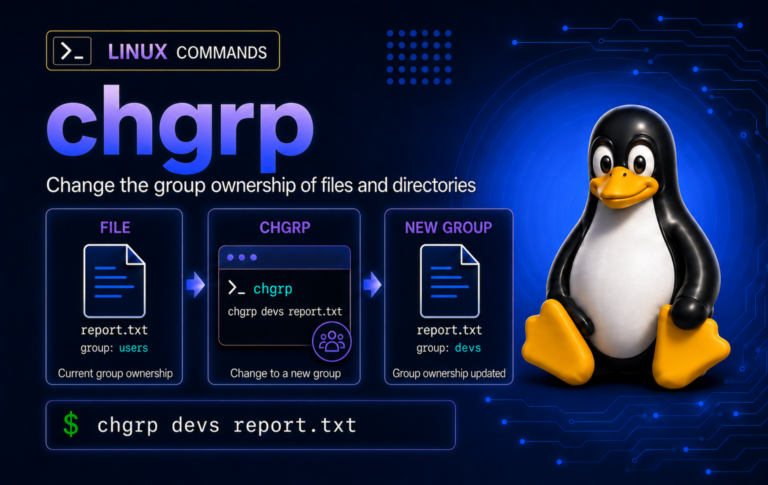
chgrp Command in Linux: Change File Group Ownership
Fix group ownership without changing file owners: practice chgrp on safe files, preview recursive targets, handle symlinks deliberately, and know when chmod or ACLs are the better follow-up.
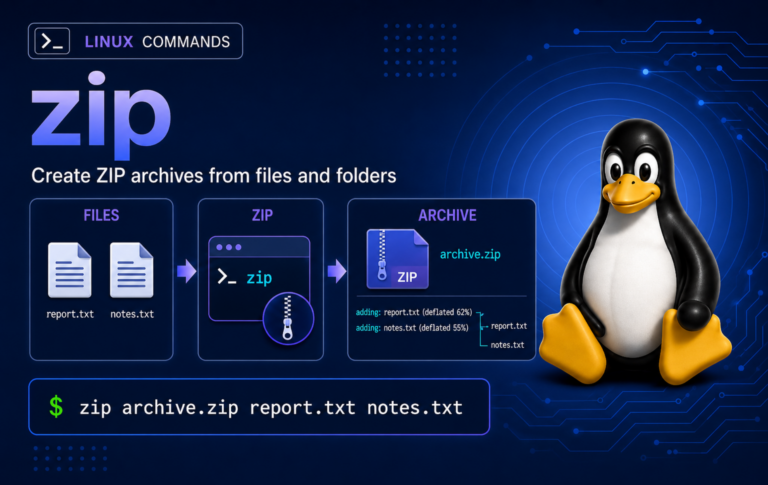
zip Command in Linux: Create, Update, and Test ZIP Archives
Create ZIP archives from Linux terminals without losing track of stored paths, hidden files, update behavior, or test results, with examples for exclusions, file lists, symlinks, cleanup, and...
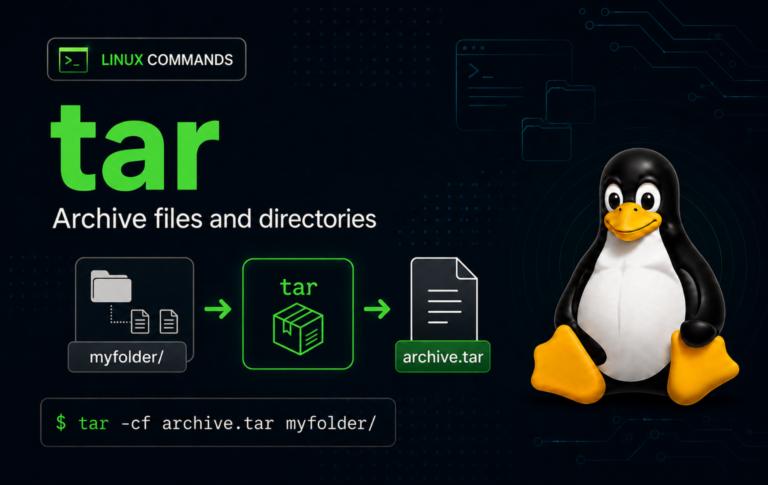
tar Command in Linux with Examples
Archive mistakes are noisy at best and destructive at worst: one tar command can list a bundle, create a backup, or overwrite files into the current directory. The...
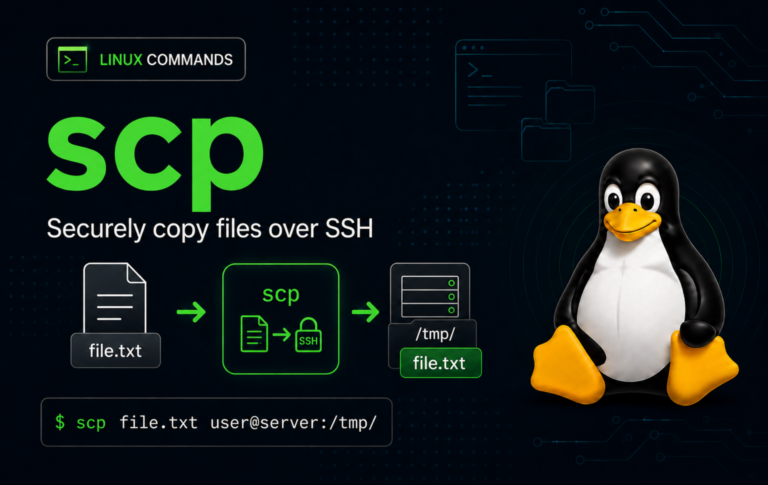
scp Command in Linux with Examples
File transfers over SSH get confusing when the login works but the source and destination sides are easy to mix up. The scp command in Linux copies files...
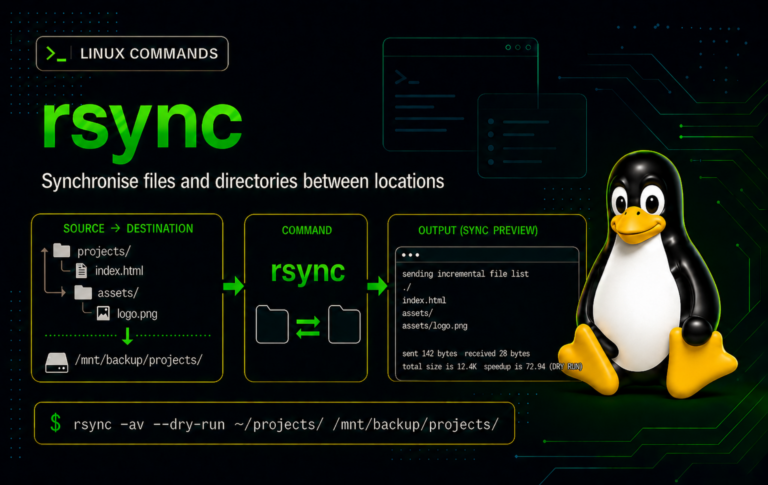
rsync Command in Linux with Examples
Repeated file copies get messy when only a few files change, a transfer is interrupted, or a destination should mirror the source exactly. The rsync command in Linux...
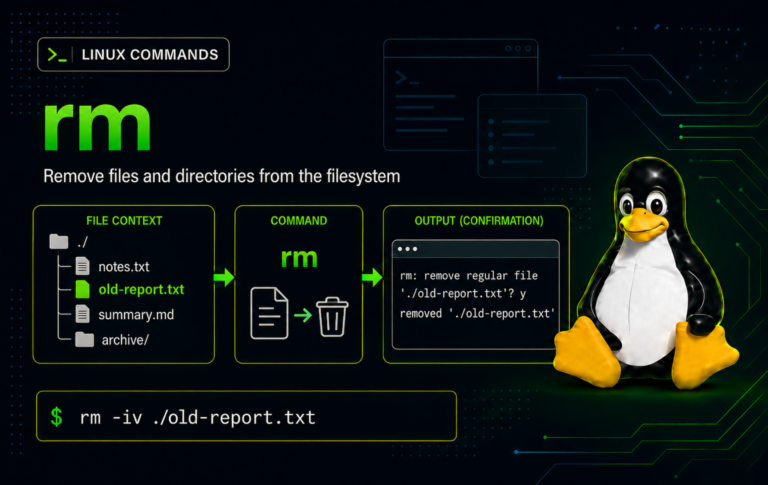
rm Command in Linux with Examples
Deleting from a terminal is fast, but it also bypasses the desktop trash workflow that protects many graphical file managers. The rm command in Linux removes directory entries...

pwd Command in Linux with Examples
Directory-sensitive commands become risky when you assume the shell is somewhere it is not. The pwd command in Linux prints the current working directory, making it a useful...
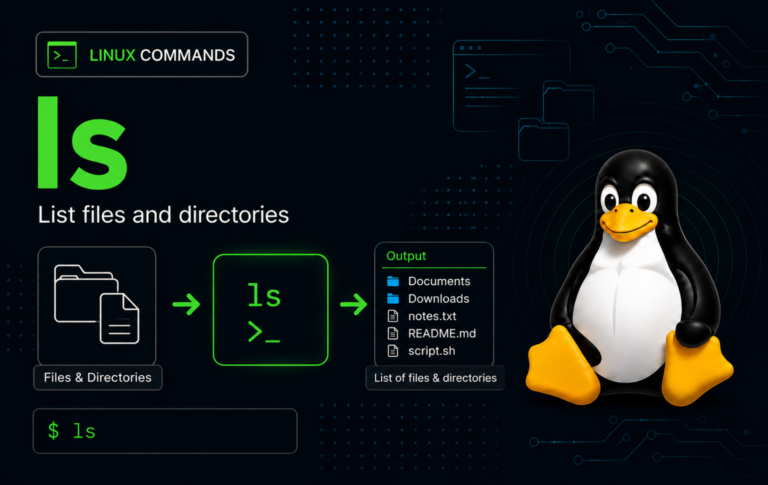
ls Command in Linux With Examples
Directory listings become more useful once you know which question ls is answering: names, hidden entries, long-format metadata, sort order, or the contents of a directory path. The...
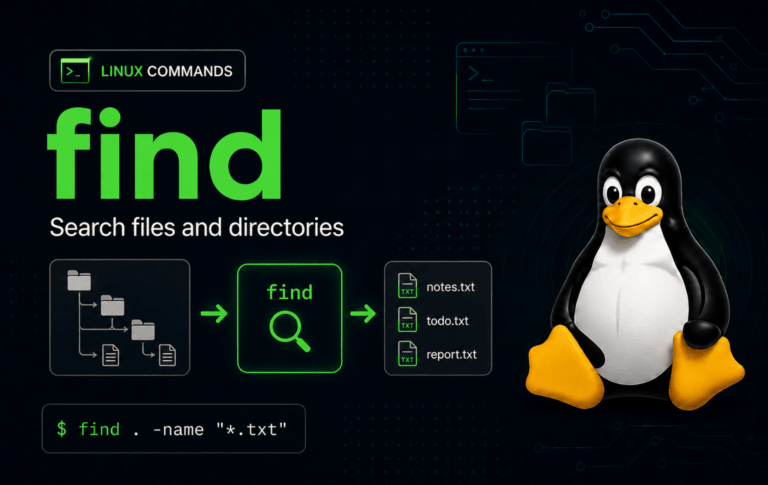
find Command in Linux with Examples
Large Linux filesystems rarely fail because files are impossible to locate; they fail because the search is too broad, too noisy, or too risky to act on. The...
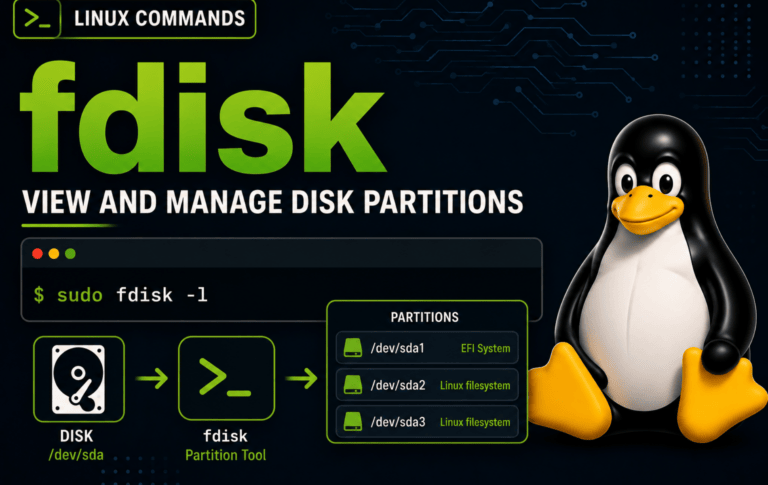
fdisk Command in Linux With Examples
Partition-table mistakes are expensive because they can make a disk unbootable, hide data, or point formatting tools at the wrong device. The fdisk command in Linux edits GPT...
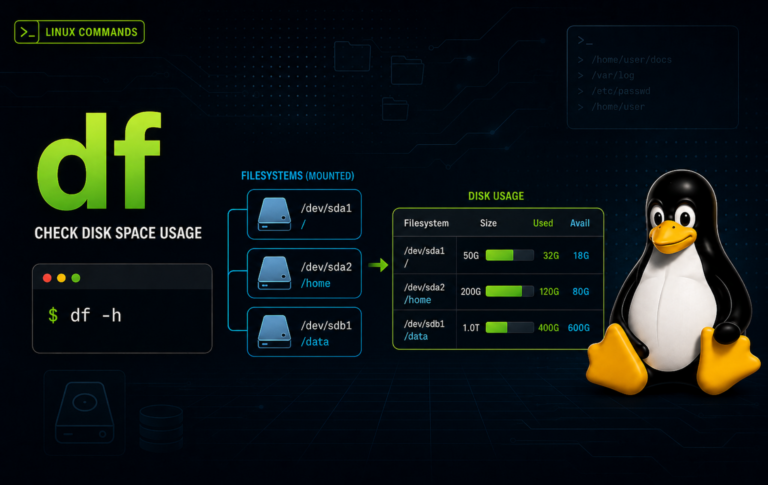
df Command in Linux With Examples
Disk-full alerts are easier to handle when you can separate filesystem capacity from directory growth. The df command in Linux reports used space, available space, mount points, filesystem...

chown Command in Linux with Examples
Ownership problems can make a file look correctly permissioned while the wrong account still controls it. The chown command in Linux changes the user and group attached to...