Linux security and remote admin guides - Page 4
Secure remote access, manage firewalls, configure admin users, harden services, and apply distro-specific Linux security maintenance.
Curated guides
Security and remote admin guides
51 matched guides, best match first. Page 4 of 5.

How to Add and Manage Sudo Users on Arch Linux
On Arch Linux, adding a user to sudoers normally means adding the account to the wheel group and enabling the wheel rule with visudo. Arch does not use...
How to Configure Unattended Upgrades on Ubuntu 26.04, 24.04 and 22.04
Automatic patching matters most on the systems you do not babysit every day. If you need to configure unattended upgrades on Ubuntu, the built-in unattended-upgrades package can install...
How to Add a New User to Sudoers on Ubuntu 26.04, 24.04 and 22.04
Ubuntu keeps routine administration tied to sudo instead of an always-enabled root account, which makes delegated access easier to audit and easier to revoke. If you need to...

How to Install Fail2Ban on Arch Linux
Arch servers exposed to SSH, Nginx, or other login surfaces quickly collect repeated authentication failures. Install Fail2ban on Arch Linux when you want those patterns converted into temporary...
How to Enable SSH on Ubuntu 26.04, 24.04 and 22.04
To enable SSH on Ubuntu Linux, confirm the OpenSSH server package is present, start the packaged SSH listener, allow the port through any active firewall, and test a...
How to Install Fail2Ban on Ubuntu 26.04, 24.04 and 22.04
Fail2Ban watches your service logs, catches brute-force attacks and other suspicious patterns, and bans offending IPs automatically by updating firewall rules. You can install Fail2Ban on Ubuntu with...

How to Install ClamAV on Ubuntu 26.04, 24.04 and 22.04
Servers that accept untrusted uploads, mail attachments, or shared files need a way to catch malware before it reaches users on other systems. ClamAV fills that role on...
How to Enable or Disable Firewall on Ubuntu 26.04, 24.04 and 22.04
If you need to disable the firewall on Ubuntu, UFW is usually the command you are looking for. You can confirm whether the firewall is active, turn it...
How to Install Chkrootkit on Ubuntu 26.04, 24.04 and 22.04
Rootkit checks are most useful when they run before a suspicious system becomes your only source of truth. To install Chkrootkit on Ubuntu, start with the package in...
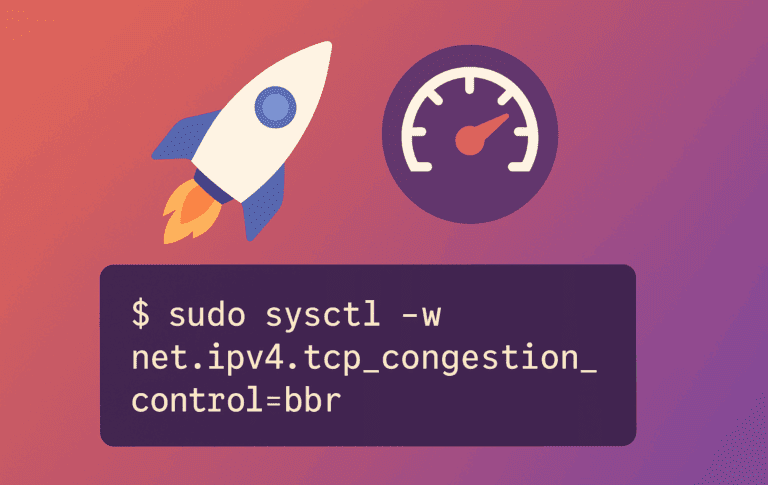
How to Enable BBR on Ubuntu 26.04, 24.04 and 22.04
Enable BBR on Ubuntu when long-distance transfers, VPS traffic, or high-latency links feel slower than the available bandwidth should allow. BBR, short for Bottleneck Bandwidth and Round-trip propagation...

How to Install PuTTY on Debian 13, 12 and 11
Saved sessions, PPK key handling, and PuTTY's companion tools make PuTTY useful on Debian when a plain terminal SSH command is not the whole workflow. Install PuTTY SSH...

How to Install LAMP on Fedora 44
Build a working LAMP server on Fedora 44 and prove the complete Apache-to-database request path with a restricted MariaDB account. Database traffic stays local, SELinux remains enforcing, and...