Software installation guides - Page 56
Install packages, add trusted repositories, and choose the right desktop or app-store format for each Linux distribution.
Curated guides
Software install guides
678 matched guides, best match first. Page 56 of 57.
How to Clear Git Cache with git rm --cached
You update .gitignore, commit again, and the same .env file or log directory still rides along. When people say they need to clear Git cache, what they usually...
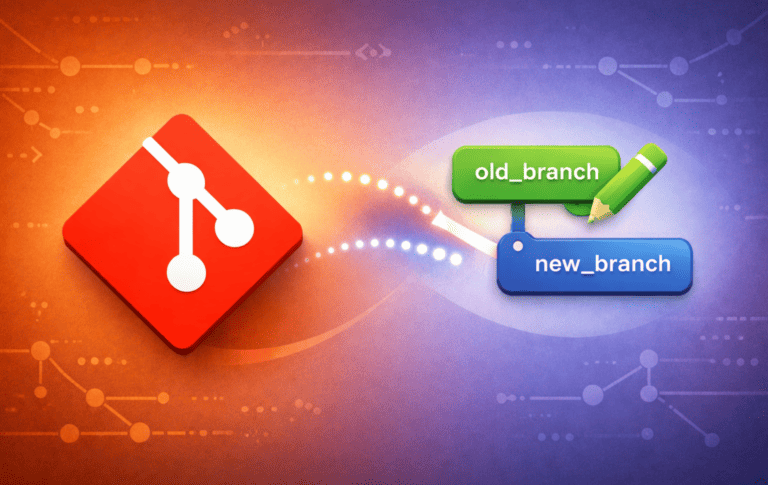
How to Rename a Local and Remote Git Branch
A bad branch name follows you everywhere: pull requests, CI logs, review comments, and release notes. When you need to rename a local and remote Git branch, the...

Configure Git Username and Email with git config
A wrong Git identity is easy to ignore until it shows up on every commit, pull request, and code review. To set Git username and email values cleanly,...

How to Switch Git Branches with git switch
Changing branches in Git is a small operation until the target branch lives only on a remote, your working tree has edits, or an old checkout example leaves...
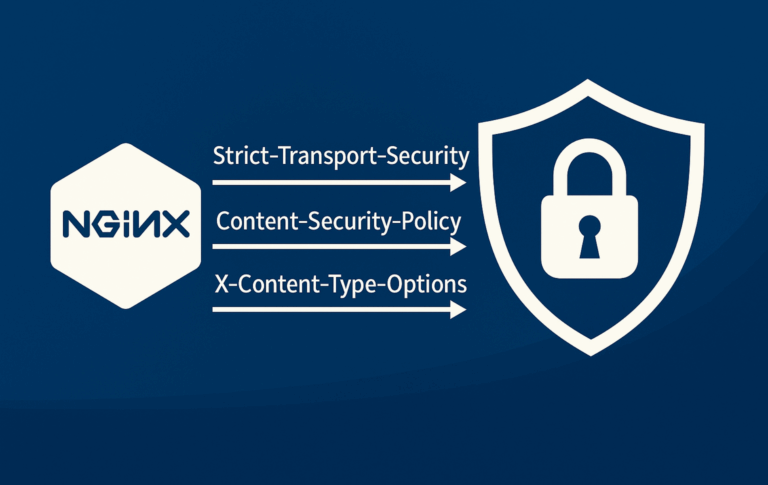
How to Configure NGINX Security Headers
Security headers tell browsers how to handle HTTPS, framing, MIME sniffing, referrer data, resource loading, and browser APIs before application code runs. Configuring NGINX security headers is usually...
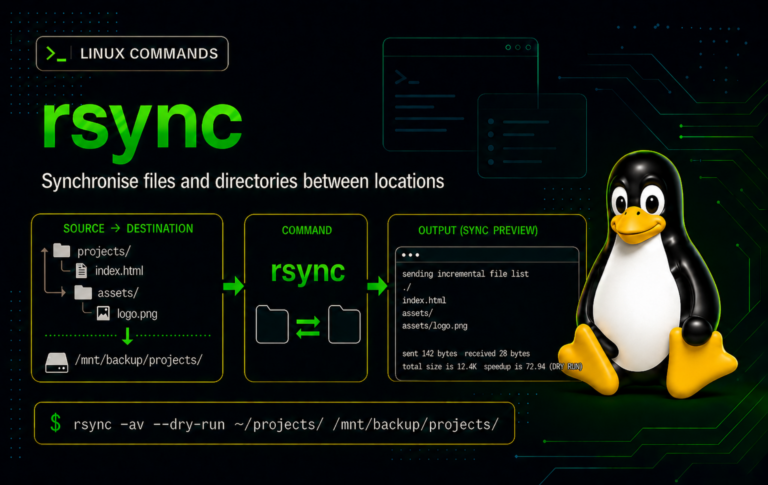
rsync Command in Linux with Examples
Repeated file copies get messy when only a few files change, a transfer is interrupted, or a destination should mirror the source exactly. The rsync command in Linux...
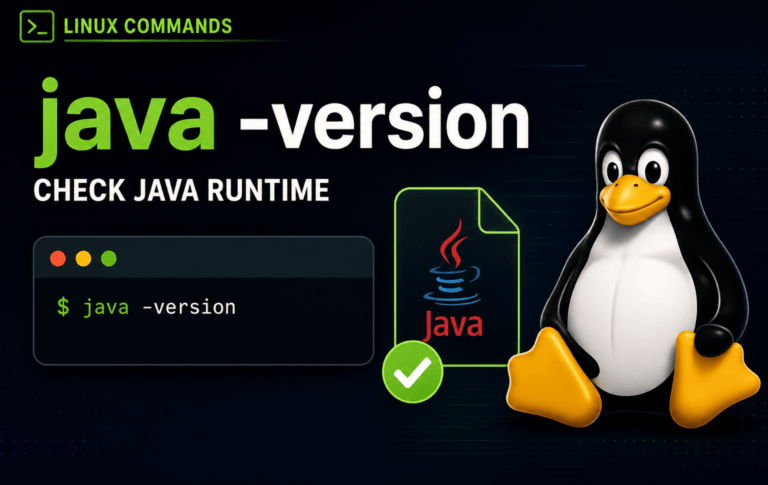
Check Java Version in Linux: Runtime, JDK, and JAVA_HOME
Java version checks matter when a JAR refuses to start, a build tool selects the wrong compiler, or a server has several JVMs installed. To check Java version...
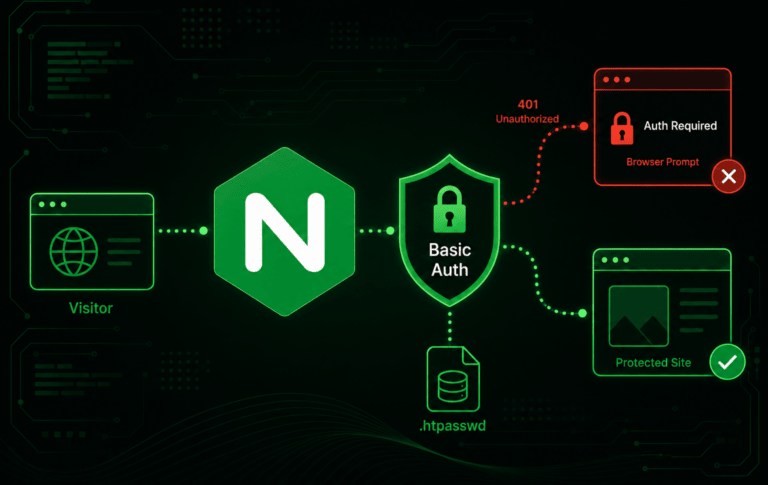
Password Protect Nginx with Basic Authentication
Basic Authentication is useful when a staging site, preview build, private download area, or low-traffic admin path needs a quick gate before a full application login exists. To...
whereis Command in Linux with Examples
When a command exists in more than one place, or its documentation seems missing, the whereis command in Linux gives you a quick inventory of the binary, source,...
grep Command in Linux with Examples
Logs, configuration files, and command output get noisy fast; the grep command in Linux cuts them down to the lines that match a word, phrase, or regular expression....
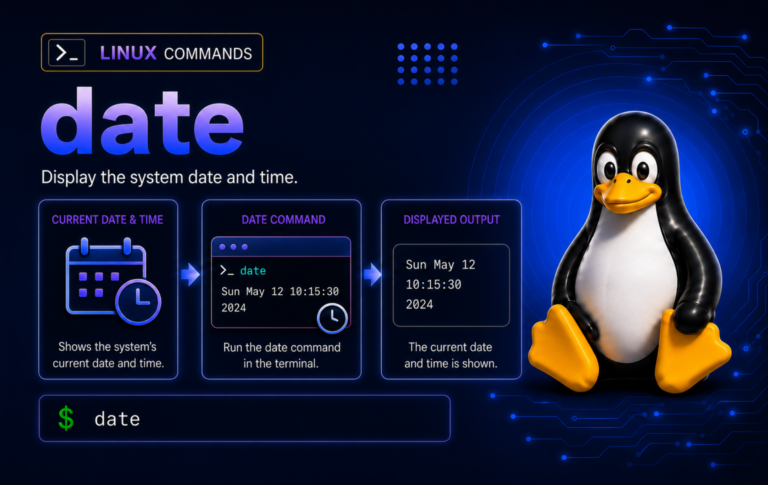
date Command in Linux: Format, Parse, and Convert Timestamps
Build reliable Linux timestamps for logs, filenames, scripts, and timezone conversions with date examples that show UTC output, epoch math, file times, parser debugging, and cleanup.
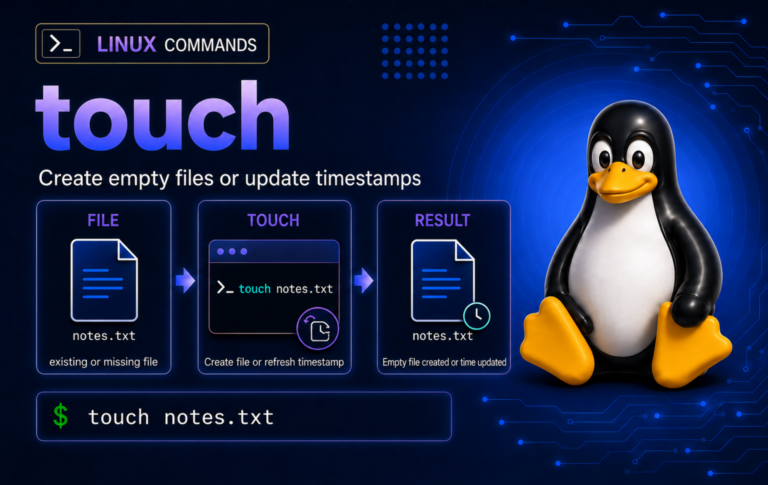
touch Command in Linux: Create Files and Set Timestamps
Timestamp-sensitive scripts behave better when you know how touch creates placeholder files, refreshes existing paths safely, sets repeatable dates, and avoids common permission or missing-directory mistakes.