Linux desktop app guides
Install popular desktop applications on Linux with distro-specific package, repository, Flatpak, Snap, and vendor-source guidance.
Curated guides
Desktop app guides
76 matched guides, best match first. Page 1 of 7.

How to Install 7-Zip on Fedora 44
Archive work on Fedora is mostly a command-name decision: Fedora's normal 7zip package gives you 7z, Fedora's optional standalone package gives you 7zz, and the official upstream tarball...
How to Install 7-Zip on Debian 13, 12 and 11
Archive work on Debian gets confusing because 7zip, p7zip-full, 7z, and 7zz do not line up the same way on each release. To install 7-Zip on Debian, use...
How to Install 7-Zip on Ubuntu 26.04, 24.04 and 22.04
Archive work on Ubuntu gets confusing because 7z, 7zz, 7zip, and p7zip-full do not mean the same thing on every supported LTS release. To install 7-Zip on Ubuntu,...
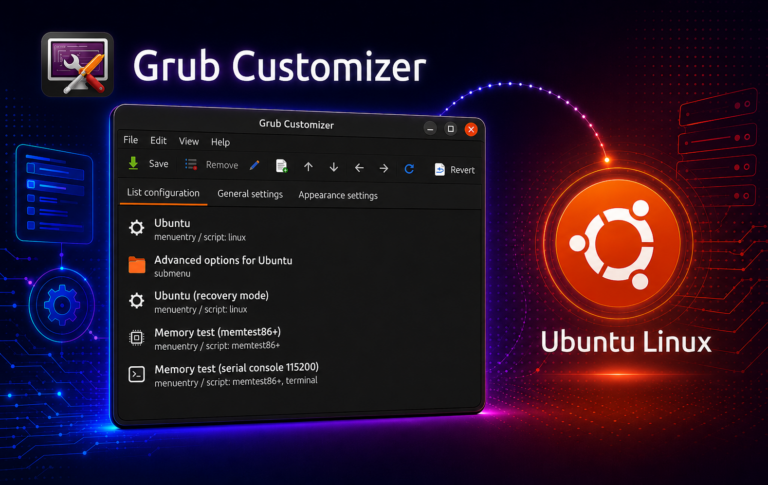
How to Install Grub Customizer on Ubuntu 26.04, 24.04 and 22.04
Install Grub Customizer from Daniel Richter's PPA on amd64 systems running Ubuntu 26.04, 24.04, and 22.04, then use its graphical controls to reorder boot entries and adjust the...
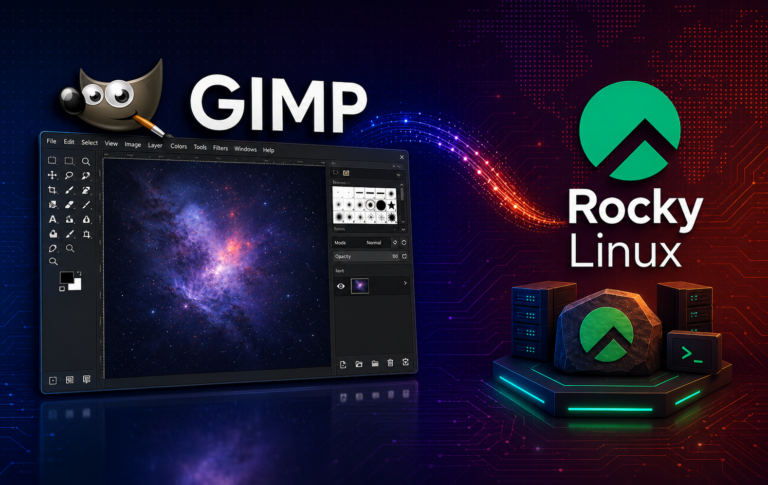
How to Install GIMP on Rocky Linux 10, 9 and 8
Install GIMP on Rocky Linux 10, 9, and 8 with the release gap in mind: the latest Rocky release lacks the main GIMP package in its default repositories,...

How to Install Slack on Debian 13, 12 and 11
Install Slack on Debian 13, 12, and 11 amd64 with Slack's Packagecloud APT repository, verify the package source, launch the desktop app, manage updates, remove the package cleanly,...
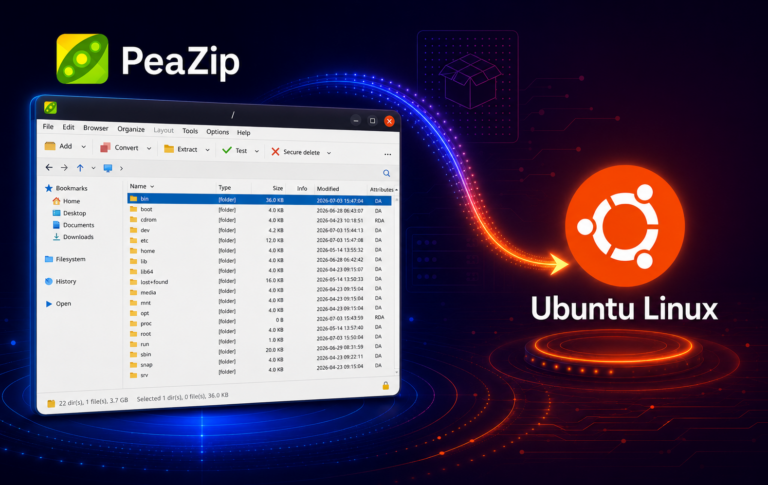
How to Install PeaZip on Ubuntu 26.04, 24.04 and 22.04
Install PeaZip on Ubuntu 26.04, 24.04, and 22.04 with a packaging path that fits your update model. The guide separates the XtraDeb PPA, Flathub, and a digest-verified GitHub...
How to Install Insomnia on Ubuntu 26.04, 24.04 and 22.04
Install Insomnia on Ubuntu 26.04, 24.04, and 22.04 with a clear choice between Kong's APT repository, the GitHub DEB package, and Snap, so API testing workflows get validated...

How to Install Slack on Ubuntu 26.04, 24.04 and 22.04
Install Slack on Ubuntu 26.04, 24.04, or 22.04 with Slack's Packagecloud APT source, official DEB download, or Slack-published Snap, then verify launchers, update paths, removal, and not-opening checks.

How to Install Arduino on Ubuntu 26.04, 24.04 and 22.04
Choose between Ubuntu's repository package, Snap, Flathub IDE builds, or Arduino's official AppImage, then configure dialout access, launch the IDE, and maintain or remove each method cleanly.

How to Install GoLand on Ubuntu 26.04, 24.04 and 22.04
Choose the right GoLand install path for Ubuntu 26.04, 24.04, and 22.04, with source ownership, architecture limits, launch commands, update paths, and cleanup kept separate for Snap, Flatpak,...

How to Install PyCharm on Debian 13, 12 and 11
Installing PyCharm on Debian now means choosing between JetBrains' official Snap package and an unofficial APT wrapper. Current PyCharm Linux packaging uses the unified pycharm product name instead...