Software installation guides - Page 25
Install packages, add trusted repositories, and choose the right desktop or app-store format for each Linux distribution.
Curated guides
Software install guides
677 matched guides, best match first. Page 25 of 57.

How to Install Node.js on Arch Linux
To install Node.js on Arch Linux, use pacman for a system-managed JavaScript runtime or nvm for per-project version switching. Arch packages the rolling current branch as nodejs, ships...

How to Install SQLite on Arch Linux
SQLite on Arch Linux installs from the official repositories as the sqlite package, which provides the sqlite3 command-line shell, shared library, and development headers. The setup is lightweight...

How to Install Git on Arch Linux
Arch keeps Git in the official extra repository, so the clean path is a normal pacman install rather than an AUR helper or upstream tarball. Install Git on...

How to Install GCC on Arch Linux
Arch keeps its compiler toolchain close to upstream, so installing GCC usually means installing the current GNU C and C++ compiler rather than choosing between fixed distro release...

How to Install Composer on Arch Linux
Most modern PHP projects expect Composer before the first framework, package, or autoloader step works. To install Composer on Arch Linux, use the official composer package from Arch's...

How to Install GitHub Copilot CLI on Arch Linux
GitHub Copilot CLI brings the Copilot coding agent into an Arch Linux terminal, where it can read files, propose edits, run commands, and work through tasks without an...
How to Install MyPaint on Ubuntu 26.04, 24.04 and 22.04
Ubuntu has no shortage of creative tools, but few feel as natural on a graphics tablet as MyPaint's fast brush engine and infinite canvas. That makes it easy...
How to Install Pinta on Ubuntu 26.04, 24.04 and 22.04
Quick screenshot markup, simple annotations, and small paint edits are easier when the editor stays out of your way. To install Pinta on Ubuntu, the practical choice depends...
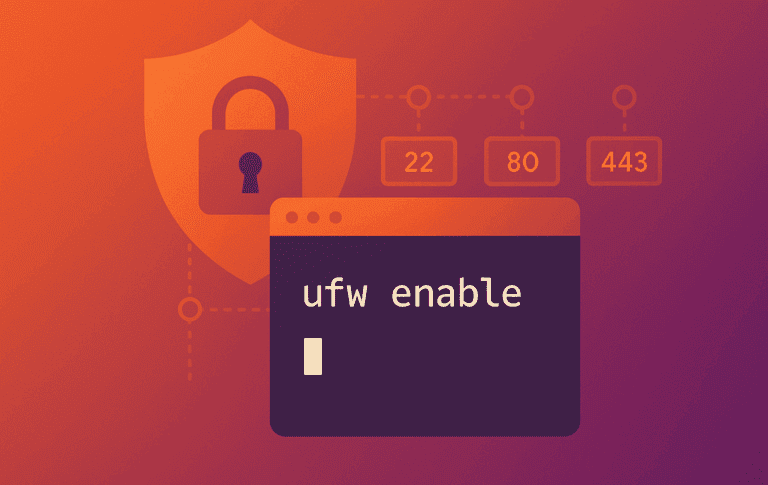
How to Install UFW on Ubuntu 26.04, 24.04 and 22.04
Ubuntu ships UFW in its default repositories, but it often stays disabled until you need to lock down SSH, open a web port, or fix a ufw: command...
How to Install LibreOffice on Ubuntu 26.04, 24.04 and 22.04
Ubuntu Desktop often ships LibreOffice already, but minimal installs, server images, and readers who want newer builds still need a clear way to add or upgrade the suite....
How to Install Android Studio on Ubuntu 26.04, 24.04 and 22.04
Keeping Android tooling current matters on Ubuntu because emulator fixes, Gradle support, and IDE updates move faster than many ordinary desktop packages. If you want to install Android...

How to Install Wike on Ubuntu 26.04, 24.04 and 22.04
Wike gives the GNOME desktop a cleaner way to search, read, and bookmark Wikipedia articles when a browser tab feels like overkill. You can install Wike on Ubuntu...