KDE users who want a native torrent workflow usually end up at KTorrent: it handles magnet links, queued downloads, file priorities, and per-transfer bandwidth limits without leaving the KDE toolset. You can install KTorrent on Ubuntu from the Universe package for APT-managed integration, or use Flathub when you want the newest upstream build across supported LTS releases.
KDE’s official KTorrent page points Linux users toward package-manager and app-store routes rather than a standalone Ubuntu .deb download. On Ubuntu, the useful choice is APT from Universe versus the verified Flathub build: APT follows the release’s KDE package set, while Flathub currently ships KTorrent 26.04.0 on Ubuntu 26.04, 24.04, and 22.04. You can install the app from a terminal on desktop or minimal systems, but KTorrent still needs an active graphical session when you launch it.
Install KTorrent on Ubuntu
Choose the KTorrent Installation Method on Ubuntu
Ubuntu’s package version changes by release, while Flathub tracks the current upstream app more closely. The method table separates package source, release version, and best-fit use case before you run commands.
| Method | Ubuntu 26.04 | Ubuntu 24.04 | Ubuntu 22.04 | Best For |
|---|---|---|---|---|
| APT from Ubuntu Universe | 25.12.3-0ubuntu1 | 23.08.5-0ubuntu3 | 21.12.3-0ubuntu1 | APT-managed installs and native Ubuntu package dependencies |
| Flatpak from Flathub | 26.04.0 | 26.04.0 | 26.04.0 | The newest upstream build across supported Ubuntu releases |
Choose APT when you prefer Ubuntu’s package database and do not need the newest KTorrent release. Choose Flathub when version freshness matters, especially on Ubuntu 24.04 and 22.04, where the archive package stays on older KDE release lines.
KTorrent does not need a standalone Ubuntu download. KDE’s Linux download buttons route readers to package-manager or app-store channels, so use APT for a distro-managed package or Flathub for the newest verified build.
Update Ubuntu Before Installing KTorrent
Refresh Ubuntu’s package metadata before either install method so APT sees current package and Flatpak dependency information.
sudo apt updateThese commands use
sudofor package-management tasks that need root privileges. If your account is not configured for sudo yet, follow the steps to add a user to sudoers on Ubuntu before you continue.
Install KTorrent from Ubuntu Universe
KTorrent comes from Ubuntu’s
universecomponent. Most desktop installs already have Universe enabled, but some minimal systems do not. If APT cannot findktorrent, follow the steps to enable Universe on Ubuntu; only Universe is required for this package.
Install the package with APT. The -y flag accepts the prompt so the install can finish in one pass.
sudo apt install ktorrent -yOn GNOME-based Ubuntu systems, the first APT install can pull a large set of KDE libraries and multimedia packages. That is normal, especially on a minimal desktop or server-derived image.
Verify the package state with apt-cache policy after the install finishes.
apt-cache policy ktorrentRelevant output on Ubuntu 26.04 includes:
ktorrent:
  Installed: 25.12.3-0ubuntu1
  Candidate: 25.12.3-0ubuntu1
Ubuntu 24.04 shows 23.08.5-0ubuntu3 here, and Ubuntu 22.04 shows 21.12.3-0ubuntu1. APT resolves the matching ktorrent-data package automatically on all three supported Ubuntu LTS releases.
Install KTorrent from Flathub
Flatpak is the better fit when you want the same current KTorrent release on every supported Ubuntu LTS version. Ubuntu does not ship Flatpak by default, so install it first if your system does not already have it.
sudo apt install flatpak -yIf you want the broader Ubuntu Flatpak setup, including extra desktop integration notes, follow the guide to install Flatpak on Ubuntu. The CLI package is enough for KTorrent itself, although signing out and back in helps desktop menu integration later.
Add Flathub as a system remote. The --if-not-exists flag keeps the command rerunnable without duplicating the remote.
sudo flatpak remote-add --if-not-exists flathub https://dl.flathub.org/repo/flathub.flatpakrepoCheck that Flathub is registered at system scope before you install KTorrent.
flatpak remotes --columns=name,optionsRelevant output includes:
flathub system
Install KTorrent from Flathub with a system-scope Flatpak install.
sudo flatpak install flathub org.kde.ktorrent -yThe first Flatpak install usually downloads KDE runtime dependencies as well as the app itself, so expect a larger initial download than later updates.
Verify the installed Flatpak build with flatpak info.
flatpak info org.kde.ktorrentRelevant output includes:
KTorrent - BitTorrent Client

          ID: org.kde.ktorrent
         Ref: app/org.kde.ktorrent/x86_64/stable
        Arch: x86_64
      Branch: stable
     Version: 26.04.0
     License: GPL-2.0+
      Origin: flathub
Installation: system
Flathub shows 26.04.0 on Ubuntu 26.04, 24.04, and 22.04, so this path gives you the same current KTorrent build across all three supported releases.
Launch KTorrent on Ubuntu
KTorrent launches as a normal desktop application. These launcher commands are useful from a terminal inside an active graphical session because the GUI needs a desktop session to open.
Open KTorrent from the Ubuntu Applications Menu
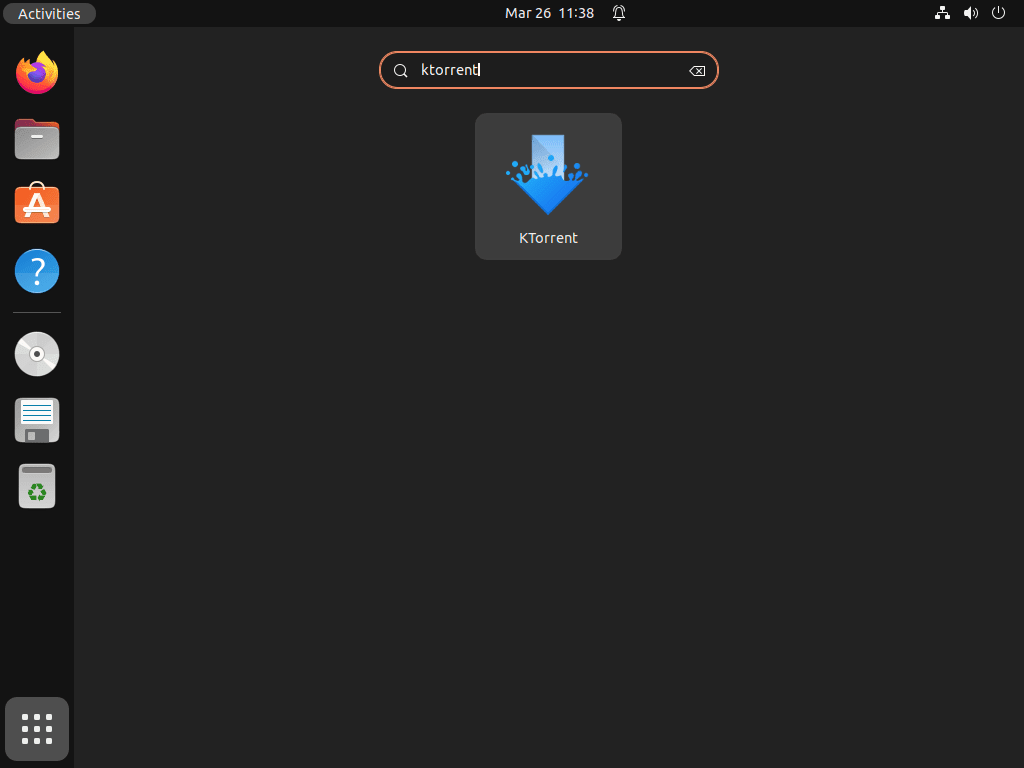
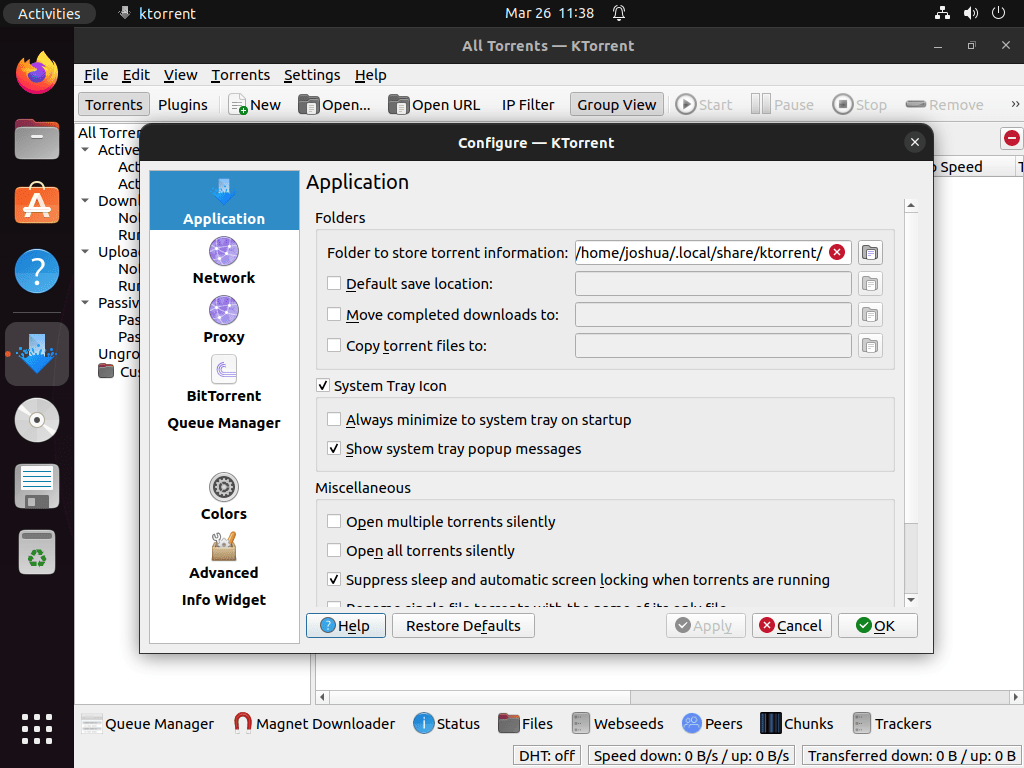
Open your applications menu, search for KTorrent, and start it like any other desktop app. Ubuntu creates the launcher entry automatically after either install method.
Launch KTorrent from a Terminal on Ubuntu
The Ubuntu package installs the ktorrent launcher directly, while the Flatpak build uses its application ID through flatpak run.
Use this command if you installed the Ubuntu package:
ktorrentUse this command if you installed the Flathub build:
flatpak run org.kde.ktorrentOpen Magnet Links with KTorrent on Ubuntu
KTorrent handles standard .torrent files and magnet links. Open a torrent file from the desktop file manager, or paste a magnet link into KTorrent from the file menu when a browser does not hand the link to the app automatically.
If your browser asks which application should open magnet links, choose KTorrent and save the association. The exact prompt depends on the browser and desktop session, but the underlying KTorrent support is the same for the APT and Flatpak builds.
Update or Remove KTorrent on Ubuntu
APT and Flatpak manage KTorrent differently, so use the command that matches the way you installed it. The same split applies when you remove the app.
Update KTorrent on Ubuntu
Use the narrower per-method update commands when all you want to refresh is KTorrent.
Update the KTorrent APT Package
Refresh package metadata, then ask APT to upgrade only the KTorrent package.
sudo apt update && sudo apt install --only-upgrade ktorrent -yUpdate the KTorrent Flatpak Build
Update the system-scope Flatpak build with the same sudo scope you used during installation.
sudo flatpak update org.kde.ktorrent -yIf the app is already current, Flatpak reports Nothing to do.
Remove KTorrent from Ubuntu
Pick the removal path that matches the package format you installed.
Remove the Ubuntu Package of KTorrent
Remove the Ubuntu package first. This leaves unrelated autoremovable packages alone until you review them separately.
sudo apt remove ktorrent -yVerify that the package is gone after the removal finishes.
dpkg-query -W -f='${db:Status-Abbrev} ${binary:Package}\n' ktorrent 2>/dev/null | grep '^ii' || echo "KTorrent package not installed"Expected output:
KTorrent package not installed
If you want to remove dependencies that no other package still needs, preview the cleanup first and continue only when the list is expected.
sudo apt autoremove --dry-runRun the real cleanup only after reviewing the preview.
sudo apt autoremoveUse the per-user cleanup check below if you also want to look for leftover personal settings.
Remove the KTorrent Flatpak Build
Remove the system-scope Flatpak build with the same scope you used to install it.
sudo flatpak remove org.kde.ktorrent -yConfirm that Flatpak no longer lists the application after removal.
flatpak list --system --app --columns=application | grep -Fx org.kde.ktorrent || echo "NOT_INSTALLED"Relevant output includes:
NOT_INSTALLED
If you also want to trim runtimes that no other Flatpak app still needs, review the list from this command before you confirm it.
sudo flatpak uninstall --unusedIf you launched KTorrent and want to check for leftover user data before deleting anything, search the common config and cache locations first.
find "$HOME/.config" "$HOME/.local/share" "$HOME/.cache" "$HOME/.var/app" -maxdepth 2 -iname '*ktorrent*' 2>/dev/nullReview any paths that command prints before you delete them. KTorrent can leave per-user settings or cache files behind after you launch it, and you do not want to remove a download directory by mistake.
Conclusion
KTorrent is ready on Ubuntu with either APT-managed system packages or the newer Flathub build, and it can handle magnet links, queued transfers, and per-transfer limits from the desktop. If you want a different BitTorrent interface, install qBittorrent on Ubuntu or install Deluge on Ubuntu.


Formatting tips for your comment
You can use basic HTML to format your comment. Useful tags currently allowed in published comments:
<code>command</code>command<strong>bold</strong><em>italic</em><a href="https://example.com">link</a><blockquote>quote</blockquote>