Linux developer tool guides - Page 7
Set up a Linux development workstation with editors, CLIs, runtimes, containers, build tools, and distro-specific package sources.
Curated guides
Developer tool guides
82 matched guides, best match first. Page 7 of 7.

How to Install Node.js on Rocky Linux 10, 9 and 8
Modern JavaScript tooling moves quickly, and Rocky Linux gives you three practical paths: a system-managed Node.js package from AppStream, a DNF-managed upstream package from NodeSource, or a per-user...
How to Install VS Code on Rocky Linux 10, 9 and 8
Rocky Linux's default repositories do not include Microsoft's Visual Studio Code build, so the clean way to install Visual Studio Code on Rocky Linux is to add Microsoft's...

How to Install Node.js on Arch Linux
To install Node.js on Arch Linux, use pacman for a system-managed JavaScript runtime or nvm for per-project version switching. Arch packages the rolling current branch as nodejs, ships...
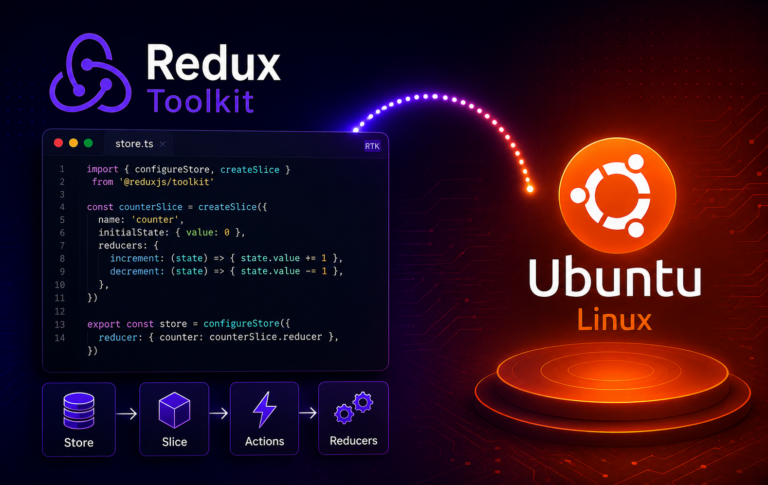
How to Install Redux Toolkit on Ubuntu 26.04, 24.04 and 22.04
Install Redux Toolkit on Ubuntu 26.04, 24.04, and 22.04 from inside the JavaScript project that owns the lockfile, using npm by default or Yarn and pnpm when the...

How to Install Unity Desktop on Ubuntu 26.04, 24.04 and 22.04
Add Unity 7 alongside GNOME on Ubuntu 26.04, 24.04, and 22.04 releases. The installation can switch the login manager to LightDM and replace PipeWire audio packages on newer...
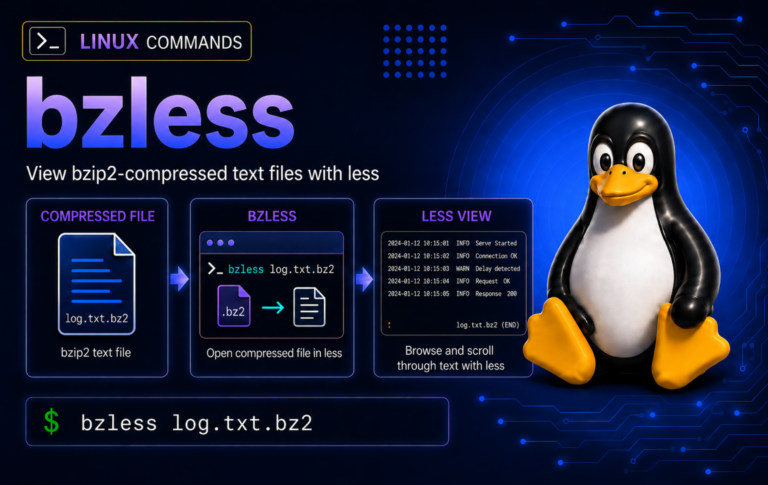
bzless Command in Linux: View .bz2 Files Without Extracting
Compressed log reviews are safer when bzless stays in the pager lane: open .bz2 text, search inside the file, use bzcat for clean pipelines, and test suspect streams...
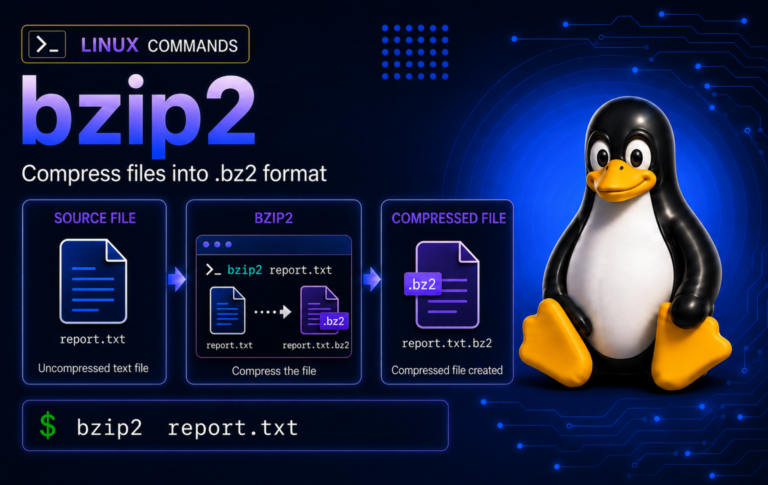
bzip2 Command in Linux: Compress, Decompress, and Test .bz2 Files
Practice bzip2 on disposable files before touching real backups, including keep-original compression, stdout pipelines, tar.bz2 archives, integrity tests, wrong-format checks, and recovery limits.
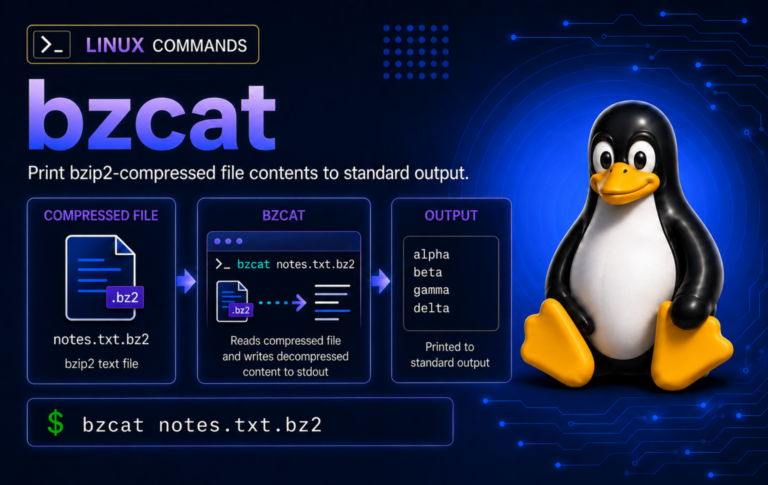
bzcat Command in Linux: Read .bz2 Files Without Extracting
Inspect compressed logs, SQL dumps, and text exports with bzcat without unpacking them first. The examples cover safe streams, redirection, grep/tail pipelines, integrity checks, and common bzip2 errors.
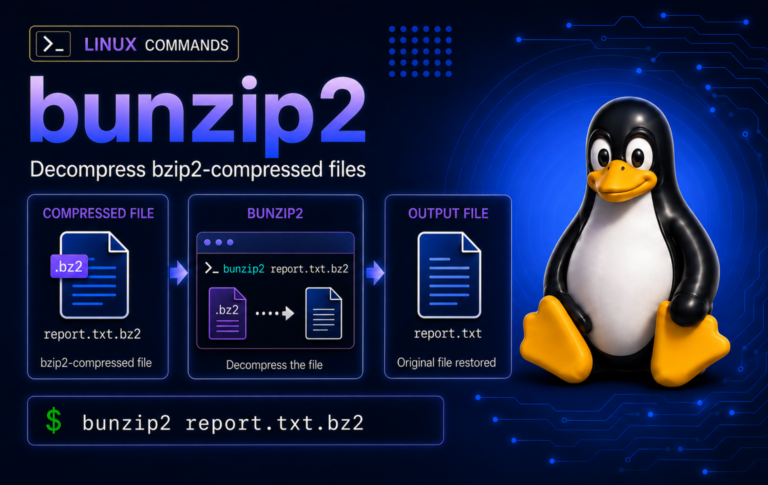
bunzip2 Command in Linux: Decompress .bz2 Files
Restore bzip2-compressed files without losing the source copy by choosing the right bunzip2 pattern for .bz2 streams, tar.bz2 archives, stdin pipelines, batch restores, and common errors.
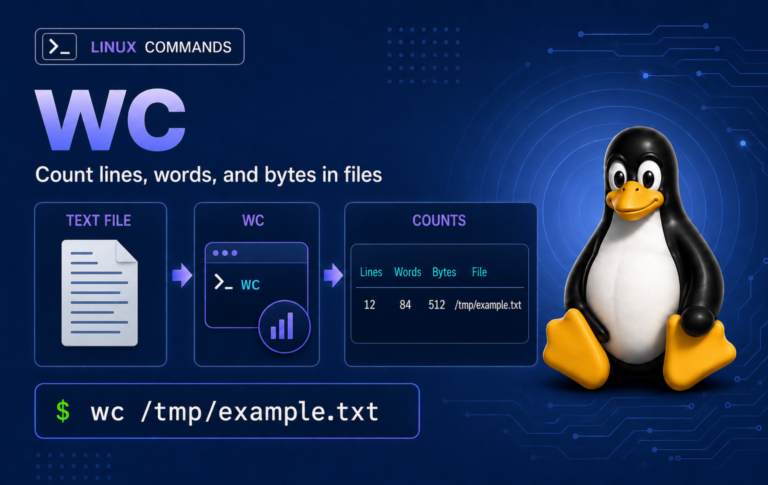
wc Command in Linux: Count Lines, Words, and Bytes
Count text without guessing: the wc command guide explains how lines, words, bytes, characters, pipelines, NUL-safe file lists, totals, and newline edge cases behave in real shell workflows.